
Quick Answer:
Armoury Crate improves gaming performance by increasing CPU and GPU power and managing cooling. However, background services, RGB lighting, and performance modes can drain battery life if left enabled during normal use.
Yes, Armoury Crate can improve gaming performance, but it can also reduce battery life if not configured properly. Its impact depends on performance modes, background services, and how you use your ASUS laptop. This guide explains when Armoury Crate helps, when it causes problems, and how to use it the right way.
If you’re using the official ASUS control software downloaded from our Armoury Crate Download page , understanding these behaviors helps you balance power and efficiency.
How Armoury Crate Improves Gaming Performance?
Armoury Crate improves gaming performance by controlling how much power the CPU and GPU are allowed to use. Instead of relying only on Windows power limits, it gives the hardware permission to run at higher and more stable performance levels.
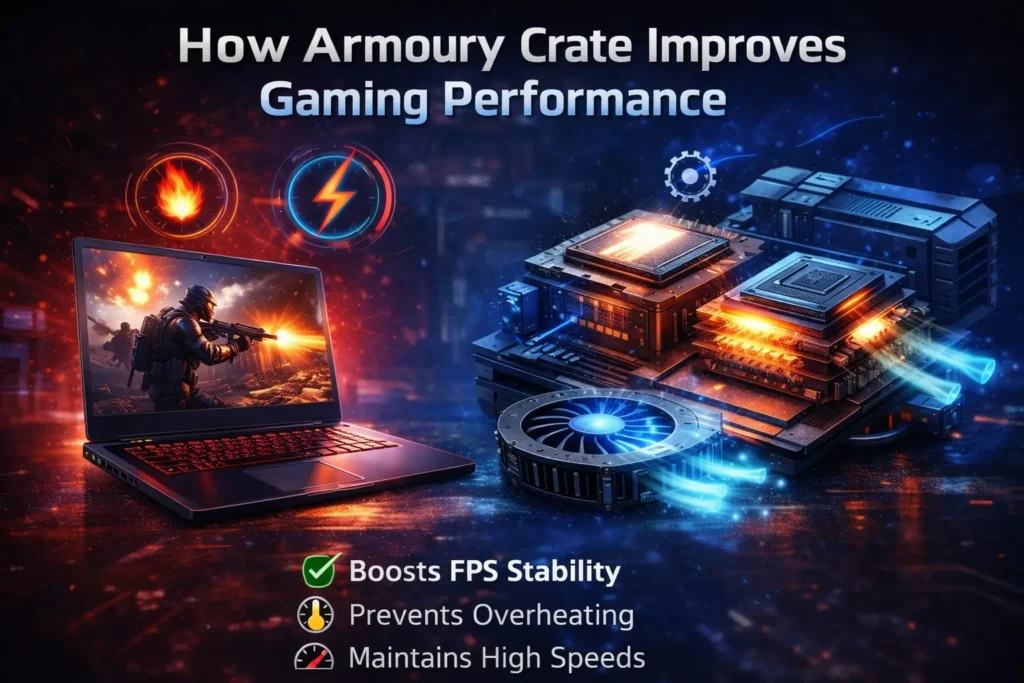
This helps prevent sudden FPS drops that happen when the system reduces power to save energy. By managing power and cooling together, Armoury Crate reduces thermal throttling during long gaming sessions.
Performance and Turbo Modes
Performance and Turbo modes increase CPU and GPU power limits while allowing fans to run faster. This helps the hardware maintain higher clock speeds instead of boosting briefly and slowing down. On most ASUS gaming laptops, these modes result in smoother gameplay and more consistent FPS.
Can Armoury Crate Cause FPS Drops or Stuttering?
Yes, Armoury Crate can reduce FPS or cause stuttering in certain situations.
When multiple Armoury Crate services run in the background, they may use CPU and RAM during gameplay.
This extra load is more noticeable on mid-range laptops or systems with limited memory.
In most cases, the issue comes from background usage rather than GPU performance limits.
How Armoury Crate Affects Battery Life?
Armoury Crate impacts battery life mainly because several services remain active in the background.
Even when you are not gaming, the software may continue monitoring hardware and syncing profiles.
This constant activity increases power usage during light tasks like browsing or office work.
Battery drain becomes more noticeable on laptops used daily without optimization.
Background Services and Power Drain
Background services are responsible for applying performance profiles and tracking system status.
While helpful, they consume power even when no changes are being made.
Over time, this leads to unnecessary battery drain during idle or light usage.
Disabling unneeded services can significantly improve battery efficiency.
Related Article:
If you notice your system slowing down or resources being used unusually high, Armoury Crate could be a factor. Understanding whether Armoury Crate causes high CPU or RAM usage can help you fix performance issues early.
Does RGB Lighting Reduce Battery Life?
Yes, RGB lighting is one of the biggest contributors to battery drain on laptops. Animated lighting effects constantly refresh colors and patterns in real time.
This consumes more power than static lighting or having RGB disabled. Turning off RGB can instantly improve battery life during everyday use.

Is Gaming Better on Battery or While Plugged In?
Gaming is always better while the laptop is plugged in because Armoury Crate limits performance on battery power. These limits protect the battery and prevent excessive heat buildup.
High-performance modes like Performance and Turbo only unlock when the charger is connected.
For the best FPS and stability, gaming while plugged in is strongly recommended.
When Armoury Crate Is Good for Gaming?
Armoury Crate works best in gaming scenarios where performance and cooling matter more than power efficiency. It helps maintain stable FPS and better hardware control during long gaming sessions.
- You game while the laptop is plugged in
- You want automatic CPU, GPU, and fan optimization
- You use ASUS peripherals or RGB features
When Armoury Crate Hurts Battery Life?
Armoury Crate can negatively affect battery life when background features stay active during daily use. This becomes noticeable on laptops that are frequently used away from the charger.
- You use the laptop mainly on battery power
- Background services remain active all day
- RGB lighting stays enabled continuously
Without proper optimization, Armoury Crate can drain the battery faster than necessary.
Should You Keep Armoury Crate Enabled While Gaming?
Yes, Armoury Crate is useful during gaming sessions when performance modes are enabled.
It helps manage power delivery and cooling more effectively than Windows alone.
However, background features should be limited during non-gaming use.
Using the right settings provides the best balance between performance and efficiency.
Conclusion
Armoury Crate improves gaming performance by managing power limits and cooling behavior.
At the same time, its background services and RGB features can reduce battery life if left active. And When performance modes or battery settings don’t apply correctly, it’s often because Armoury Crate not working as it should.
FPS drops may occur when unnecessary processes consume system resources during gameplay.
Battery drain is more noticeable during daily use without proper optimization.
Understanding when and how to use Armoury Crate helps you get the best experience from your ASUS system.
Frequently Asked Questions
Does Armoury Crate automatically change performance settings?
Yes, Armoury Crate can automatically switch performance profiles based on system activity or game detection. This helps optimize power and cooling without manual input.
Can Armoury Crate conflict with Windows power plans?
Yes, Armoury Crate may override Windows power plans when performance modes are enabled. This ensures hardware follows ASUS tuning instead of default Windows limits.
Is Armoury Crate required for ASUS laptop fan control?
On many ASUS laptops, Armoury Crate is the only official way to control fan behavior. Without it, fan speeds usually revert to automatic BIOS control.
Can Armoury Crate affect sleep or shutdown behavior?
In some cases, background services may delay sleep or shutdown slightly. Keeping the software updated usually prevents this issue.
Will uninstalling Armoury Crate remove performance modes?
Yes, uninstalling Armoury Crate removes easy access to performance modes. However, the system will still operate using default BIOS settings.
Does Armoury Crate work without internet access?
Yes, Armoury Crate works offline for performance control and monitoring. Internet is only needed for updates and online features.