
Quick Answer
Armoury Crate can reduce FPS in some situations, but it does not always do so. On most systems it runs quietly in the background with no noticeable impact. FPS drops happen when background services compete for resources, RGB effects and telemetry cause CPU spikes, or the wrong power profile limits your hardware. Laptops and lower-end systems feel this most.
How Armoury Crate Can Reduce FPS
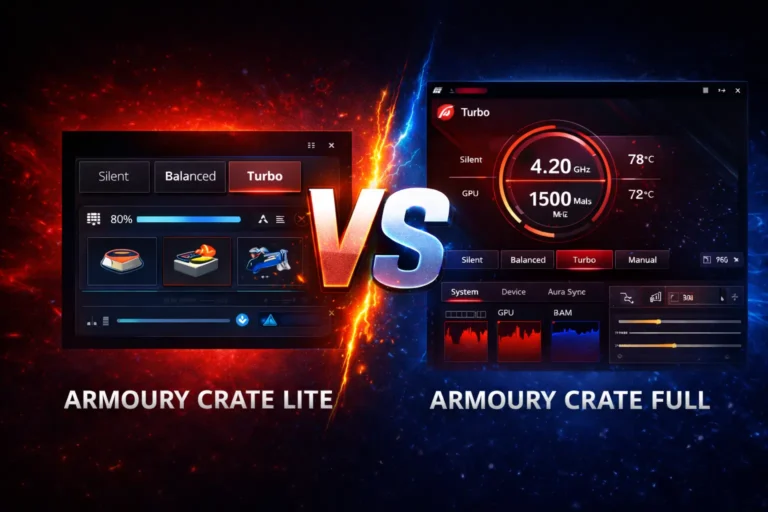
Armoury Crate itself is not a game and does not directly lower your frame rate. The impact is indirect. It runs multiple monitoring and profile services at startup, and on systems with tight resources these can cause micro-stutters or lower average FPS. Continuous RGB animations and background update or telemetry checks create short CPU spikes that hurt frame pacing. The biggest culprit is power profile misconfiguration: gaming in Silent or Balanced mode caps CPU and GPU power, preventing proper boosting and costing you sustained FPS.
How to Test If Armoury Crate Is the Cause
Compare performance with the app running and disabled. Launch a game, note average FPS and stuttering in the same scene for a few minutes, then close the game and disable Armoury Crate’s background services. Relaunch and test the same scene again. If FPS or frame-time stability improves, the issue is configuration, not your hardware. Check Task Manager during the test for unusual CPU or RAM spikes from ASUS processes.
Best Settings to Avoid FPS Drops
A few adjustments usually fix it. Use Performance or Turbo mode while gaming so the hardware can boost fully. Turn off unused RGB and Aura Sync effects, which add background load for no benefit during gameplay. Disable Armoury Crate services you do not need at startup, and pause background updates while playing. Keep GPU drivers current from NVIDIA or AMD directly.
When Uninstalling Actually Helps
Optimization fixes most cases, so treat uninstalling as the last option. Consider it only if background services stay heavy during gameplay despite tuning, you never use ASUS features like fan control or profiles, and stuttering persists. If you depend on custom fan curves or switch modes often, keep the app and tune it instead. Our clean uninstall guide covers safe removal if you decide to go that route.
FAQs
Can Armoury Crate cause input lag even if FPS looks fine?
Yes. Background activity can hurt frame-time consistency, which feels like input lag even when average FPS is stable.
Does it affect competitive games more?
Competitive titles are more sensitive to frame-time spikes, so any background load is more noticeable there than in casual games.
Is Armoury Crate required after a fresh Windows install?
No. It is optional, but useful if you want ASUS-specific controls like fan tuning and performance modes.
Can Windows updates conflict with Armoury Crate performance?
Occasionally. Major updates can reset power settings or services, so recheck your configuration after one.