Quick Answer
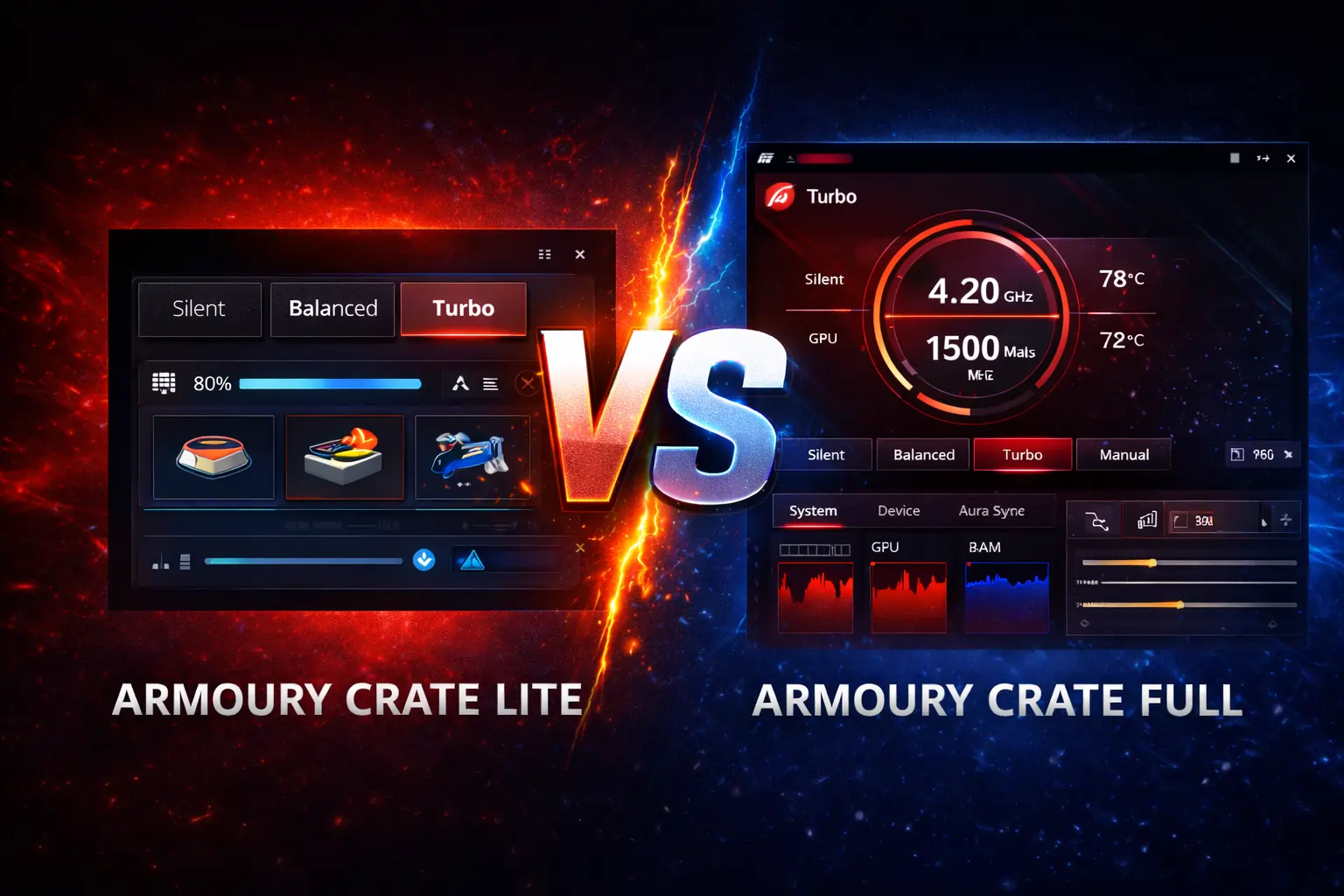
Armoury Crate Lite is a lightweight utility that handles only the essentials, detecting your ASUS hardware and installing driver updates, while running almost no background services. Armoury Crate Full is the complete control center with RGB lighting, performance modes, fan control, and system monitoring, but it uses noticeably more CPU and RAM. Pick Lite for a fast, stable everyday system; pick Full if you game or want full control over your ASUS hardware.
What Is Armoury Crate Lite?
Armoury Crate Lite is the stripped-down version of ASUS’s system software. It does three things: recognizes your ASUS laptop, motherboard, or peripherals; delivers essential driver and firmware updates; and stays out of the way. There is no RGB control, no performance profiles, no fan tuning, and no monitoring dashboard, and that is the point. With only a handful of background services running, boot times stay fast and systems with limited RAM stay responsive.
Lite makes the most sense for office work, study, browsing, and media, anything where you want the machine to simply work. It is also the sensible pick for older or low-spec ASUS devices that struggle under the full version’s background load.
What Is Armoury Crate Full?
Armoury Crate Full is everything ASUS offers in one app. On top of device detection and updates, you get Aura Sync RGB lighting control across keyboards, mice, motherboards, and other gear; performance modes including Silent, Balanced, Turbo, and Manual; custom fan curves; a real-time monitoring dashboard for temperatures, frequencies, and usage; and a game library that applies per-game profiles automatically when a title launches.
The price of all that is background activity. The full version runs multiple services continuously for lighting, monitoring, and device communication, so it is best suited to modern, higher-spec ASUS systems that can absorb the overhead without you noticing it.
Armoury Crate Lite vs Full: Key Differences
| Feature | Lite | Full |
|---|---|---|
| Purpose | Basic support and updates | Complete hardware control |
| Device detection | Yes | Yes, including peripherals |
| Driver and firmware updates | Essential only | Full range |
| RGB lighting (Aura Sync) | No | Yes |
| Performance modes | No | Silent, Balanced, Turbo, Manual |
| Fan control | No | Manual curves and automatic |
| System monitoring | No | Real-time dashboard |
| Game library and profiles | No | Yes |
| Background services | Minimal | Multiple, always on |
| Resource usage | Low | Moderate to high |
| Best for | Everyday use, older PCs | Gamers, creators, enthusiasts |
Resource Usage: What You Actually Notice
The practical difference shows up in three places. Boot time: Lite adds almost nothing to startup, while Full’s services extend it. Idle usage: Lite sits quietly in the background, while Full’s monitoring and lighting services keep a steady footprint on CPU and RAM. Battery: on a laptop running on battery, Lite’s near-zero background activity translates directly into longer life. None of this matters much on a powerful desktop that stays plugged in, which is why the choice depends on your machine and habits, not on one version being objectively better.
Which One Should You Choose?
Choose Lite if you do office work, study, or casual browsing; if your ASUS device is a few years old or low on RAM; or if you simply dislike background bloat. Choose Full if you play games and want performance modes and per-game profiles; if you own RGB gear you want to sync; or if you tune fans and watch temperatures. If you genuinely are not sure, start with Lite. It covers the essentials, and switching later takes only a few minutes.
Can You Switch Between Lite and Full?
Yes. Uninstall the current version completely first so no leftover services cause conflicts, then download and install the other version. The Armoury Crate uninstall tool removes every trace cleanly, which prevents the most common switching problems: missing features and installation errors from old services still running.
FAQs
Does Armoury Crate Lite support RGB lighting?
No. RGB control through Aura Sync is only available in the Full version. If lighting matters to you, Lite is the wrong choice.
Does Armoury Crate Full slow down your PC?
It uses more CPU and RAM than Lite because its monitoring and lighting services run continuously. On a modern gaming system the difference is negligible in practice; on an older or low-spec PC it is noticeable, which is exactly the gap Lite is designed to fill.
Can I use Armoury Crate Lite on a gaming laptop?
Yes. It handles device detection and driver updates normally, but you simply lose the gaming extras like performance modes, fan curves, and RGB. Plenty of gamers run Lite deliberately to keep background usage down, then rely on in-game settings and BIOS fan control instead.
Do I even need Armoury Crate?
Only if you want ASUS-specific features. If you never touch RGB, fan curves, or performance modes, Windows Update and MyASUS cover drivers, and you can skip Armoury Crate entirely.
Can I install both Lite and Full?
No. They are two editions of the same software and conflict with each other. Pick one, and if you change your mind, uninstall fully before installing the other.
Does Lite still get driver updates?
Yes. Lite delivers essential driver and firmware updates for your ASUS hardware. What it skips are feature updates tied to the full version’s extras, like new Aura effects or dashboard widgets.