Quick Answer
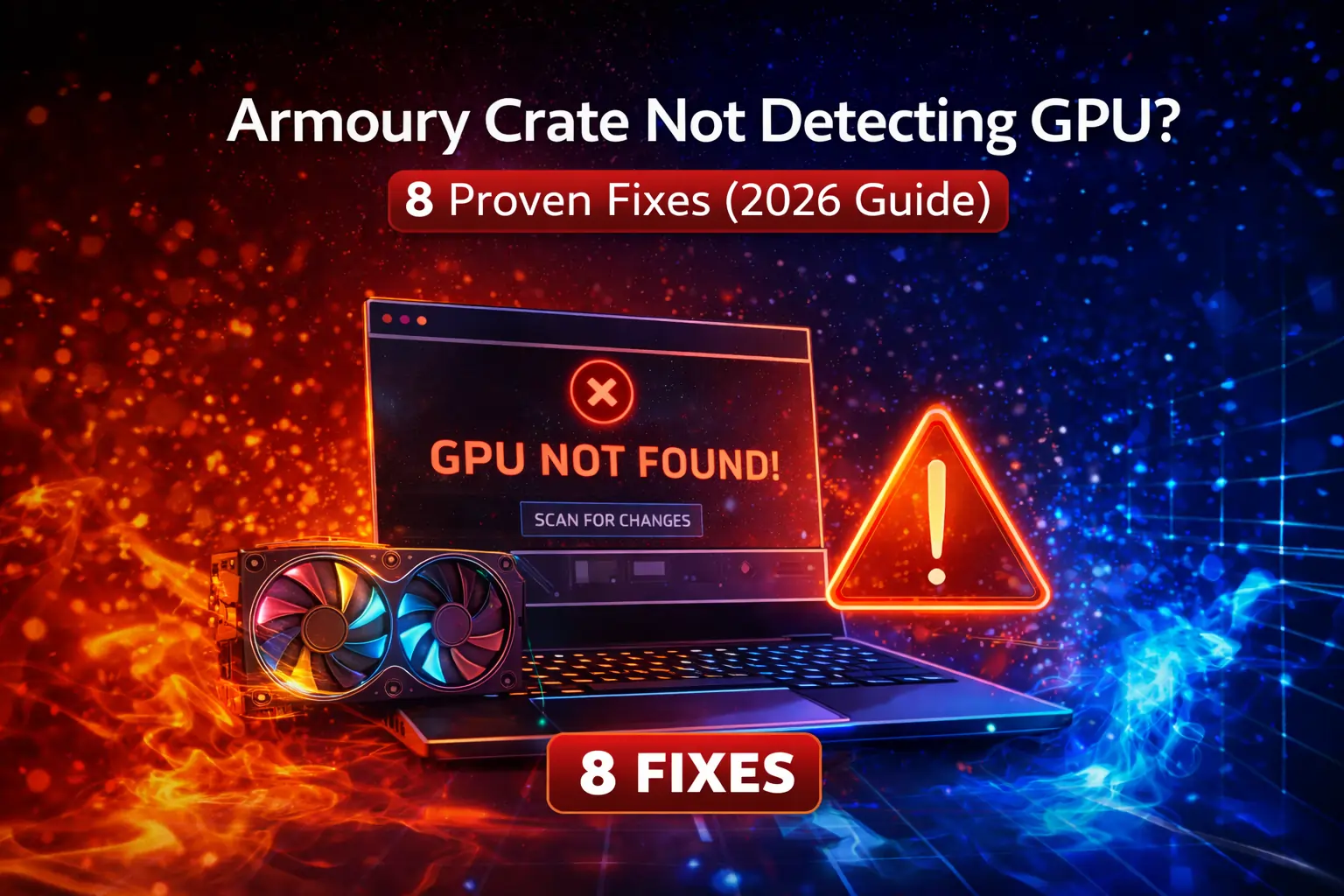
If Armoury Crate is not detecting your GPU, the cause is usually outdated GPU drivers, a stalled ASUS service, or a corrupted Armoury Crate installation. Start with the three quick fixes below. They resolve most cases. If not, work through the detailed solutions in order.
Common Causes
GPU detection fails for a handful of reasons: outdated or corrupted graphics drivers, ASUS background services that stopped running, a damaged Armoury Crate installation, the discrete GPU being disabled in BIOS or hidden by hybrid graphics settings, or a GPU that Armoury Crate simply does not support. Knowing which one applies saves time, so start with the quick checks before reinstalling anything.
Quick Fixes (Try These First)
1. Restart the ASUS services. Press Windows + R, type services.msc, and restart Armoury Crate Service and ASUS System Control Interface. Services often hang after Windows updates or sleep, and a restart is enough. Open Armoury Crate again and check.
2. Update your GPU drivers. Open Device Manager, expand Display adapters, right-click your GPU, and update the driver. Better yet, download the latest driver directly from NVIDIA or AMD, which is more reliable than Windows Update. Restart afterward.
3. Update Armoury Crate itself. Open Armoury Crate, go to Settings, then About, and check for updates. Older versions have known GPU detection bugs, especially with newer graphics cards. If the in-app update fails, download the latest installer and run it over the existing installation.
Do a Clean GPU Driver Reinstall
If updating did not help, the driver itself may be corrupted. Download DDU (Display Driver Uninstaller) and the latest driver from NVIDIA or AMD. Boot into Safe Mode, run DDU to fully remove the old driver, restart normally, then install the fresh driver. Corrupted driver installs are one of the most common causes of detection failures, and a standard update does not always clear them.
Reinstall Armoury Crate Cleanly
A damaged Armoury Crate installation can lose GPU detection permanently. Remove it completely with the official Uninstall Tool, which clears services and leftover files that a normal uninstall misses, then install the latest version fresh. This fixes cases where services refuse to start or the app behaves erratically.
Check Services and BIOS Settings
Open services.msc and confirm these are running and set to Automatic: Armoury Crate Service, ASUS System Control Interface, ASUS Optimization, and LightingService. If any refuse to start, reinstall Armoury Crate as described above. On laptops, also check the BIOS: if the discrete GPU is disabled there, or if hybrid graphics (Optimus or switchable graphics) is misconfigured, Armoury Crate will only ever see the integrated graphics. Enabling the discrete GPU in BIOS or forcing it in your graphics control panel usually resolves this.
Check GPU Compatibility
Armoury Crate fully supports ASUS graphics cards (ROG Strix, TUF Gaming, Dual series) and the GPUs built into ASUS laptops. Non-ASUS NVIDIA or AMD cards generally get basic monitoring only, without control features. Very old cards and Intel Arc discrete GPUs have limited or no support. If your card falls outside the supported list, Armoury Crate will still handle your other components, but use the GPU maker’s own software for graphics control. You can confirm your exact model in Device Manager under Display adapters.
FAQs
Why is my GPU not showing in Armoury Crate?
Most often it is a driver problem, a stalled ASUS service, or a corrupted Armoury Crate install. Work through the quick fixes first, then the clean reinstall steps.
Does Armoury Crate support non-ASUS GPUs?
Partially. You typically get basic monitoring but not full control. For full control of a non-ASUS card, use NVIDIA GeForce Experience, AMD Adrenalin, or MSI Afterburner.
Why does the GPU show in Device Manager but not in Armoury Crate?
That points to Armoury Crate itself rather than the hardware. The app’s services are likely stalled or its installation is damaged. Restart the services, and if that fails, do the clean reinstall.
My laptop has two GPUs. Which one should Armoury Crate detect?
Ideally both, with the option to switch. If only the integrated GPU appears, check your BIOS and hybrid graphics settings, since the discrete GPU may be disabled or hidden.