Quick Answer
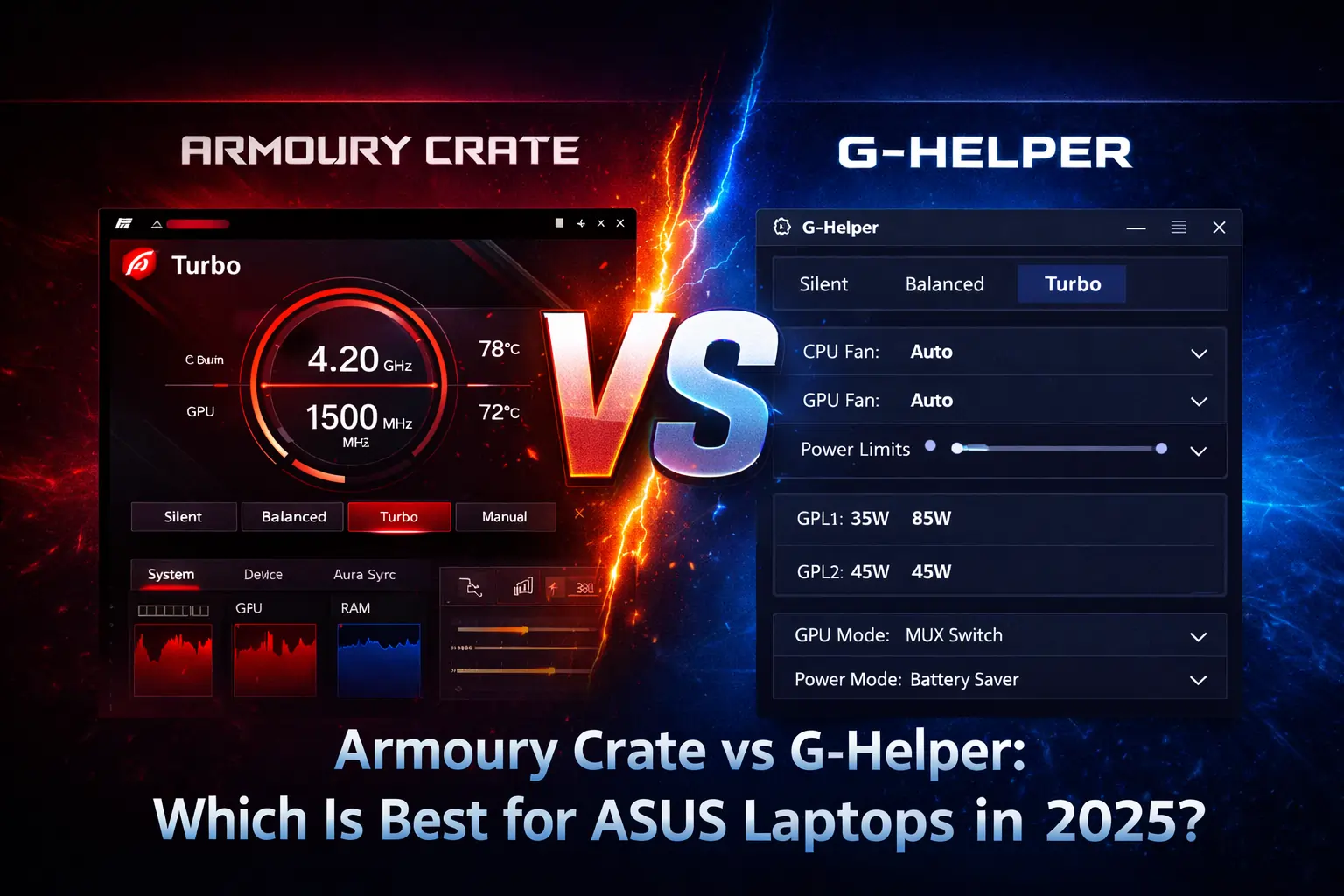
Armoury Crate is the better choice if you want the complete ASUS experience, meaning Aura Sync RGB, peripheral control, automatic driver updates, and game profiles in one official app, while G-Helper is the better choice if you mainly need performance modes, fan control, and battery limiting without the background services and resource load that Armoury Crate carries. Neither is objectively better, because they are built for different priorities, so the right pick depends on whether you value features or lightness more.
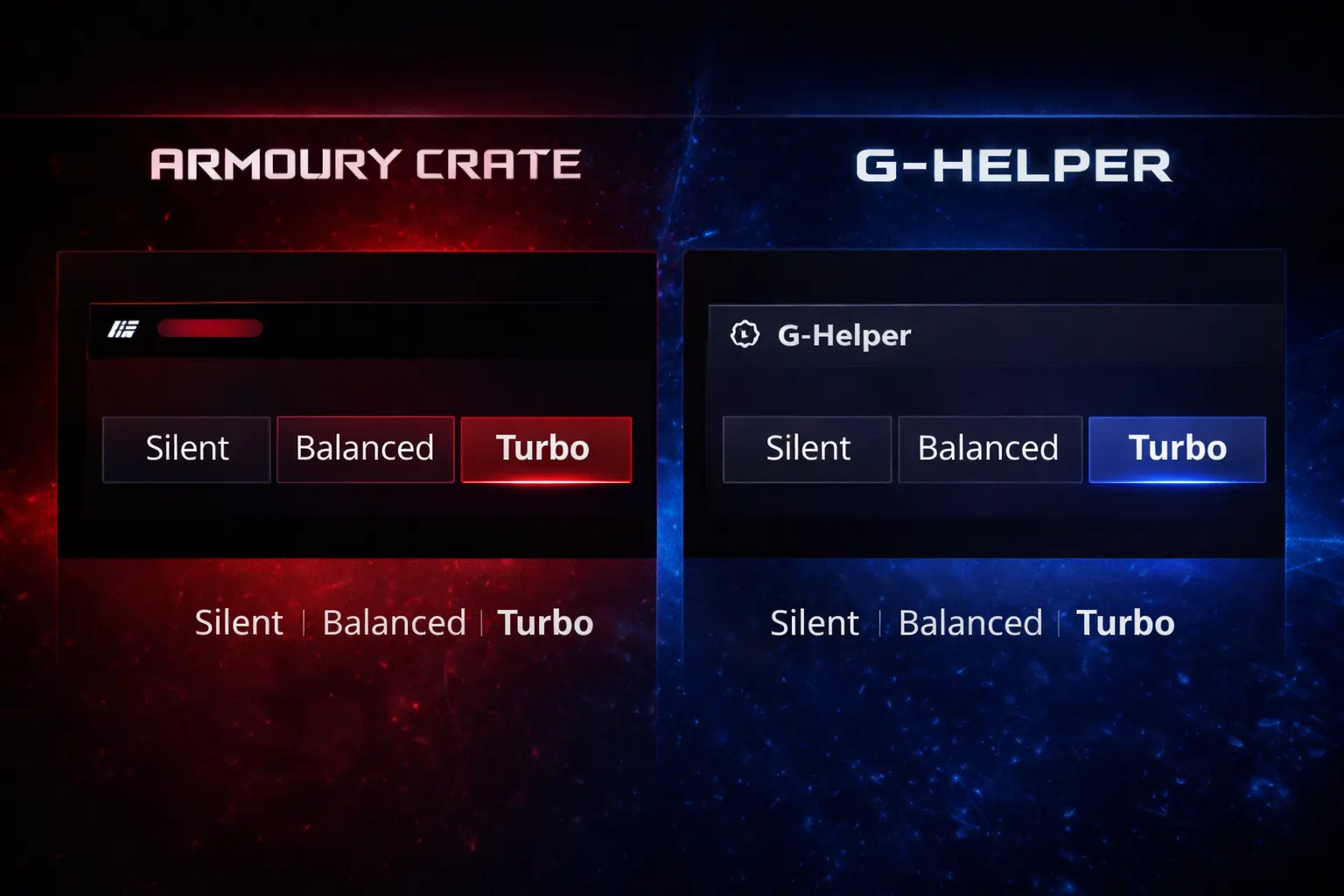
The Short Comparison
| Feature | Armoury Crate | G-Helper |
|---|---|---|
| Type | Official ASUS software | Third-party, open source |
| Installation | Full install with background services | Portable single program, no services |
| Resource usage | Noticeable background load | Very light |
| Performance modes | Silent, Balanced, Turbo, Manual | Same modes, simpler interface |
| Fan control | Visual curve editor, automatic switching | Custom curves, manual |
| RGB lighting | Full Aura Sync across devices | No Aura Sync |
| Peripherals | ROG mice, keyboards, headsets | Not supported |
| Driver and firmware updates | Built in | Not included |
| Privacy | Uses online services | Fully offline, no telemetry |
| Best for | Full ASUS ecosystem users | Minimal, performance focused setups |
Performance Modes and Fan Control
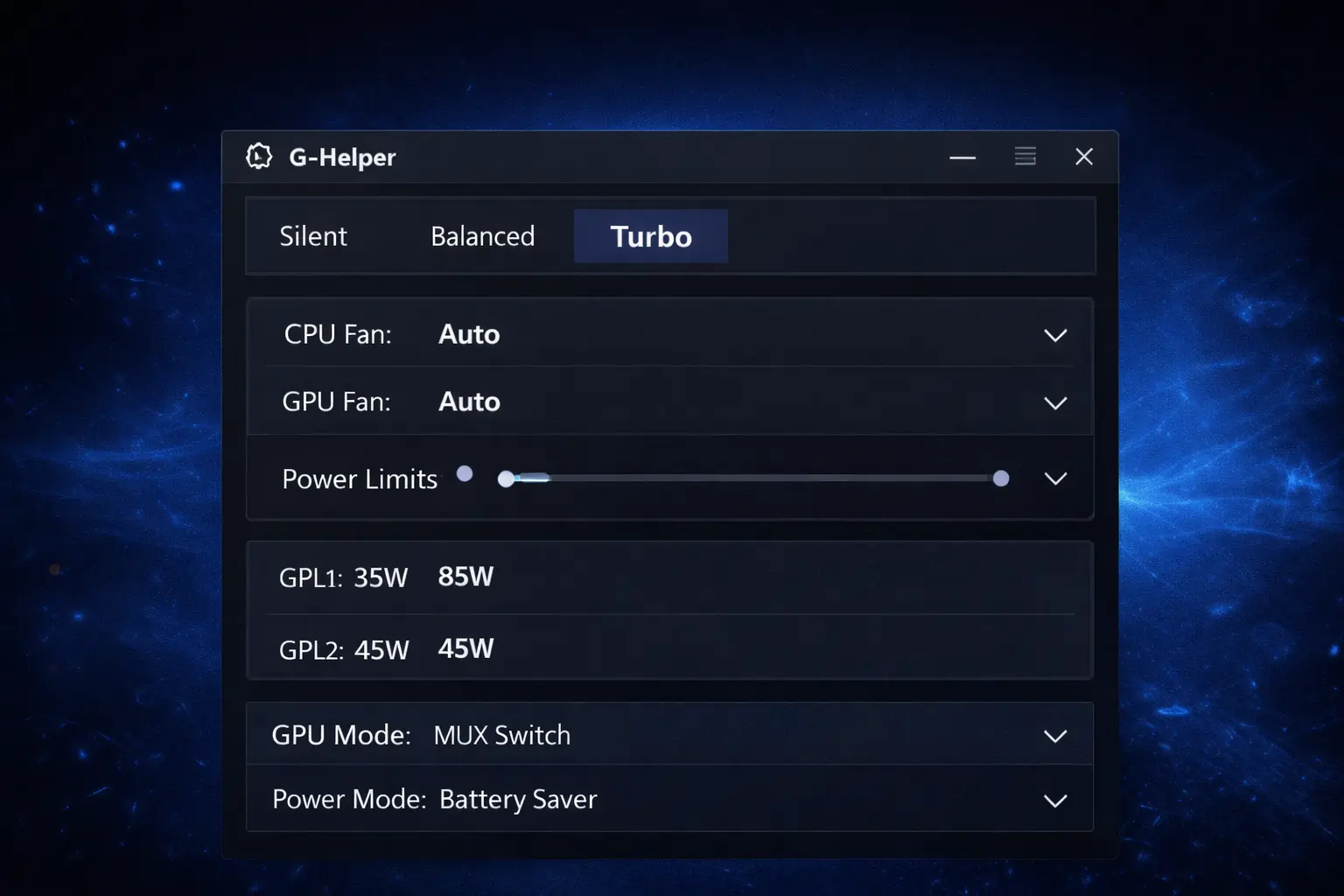
This is the area where the two are closest, because both tools ultimately talk to the same hardware controls your laptop’s firmware exposes. Armoury Crate wraps them in profiles that can switch automatically with Scenario Profiles, and its fan editor is visual and polished. G-Helper presents the same Silent, Balanced, and Turbo modes in a compact window, ties them to Windows power plans so behavior stays consistent, and still lets you build custom fan curves and set a battery charge limit. If performance modes and cooling are honestly all you use, G-Helper covers them with far less running in the background.
RGB Lighting: The Biggest Dividing Line
Aura Sync exists only in Armoury Crate, and that single fact decides the question for many people. If you sync lighting across your laptop, keyboard, mouse, and headset, or you use Aura Creator effects, there is no G-Helper equivalent, because it offers no Aura Sync control at all. If your keyboard backlight is set once and forgotten, the absence costs you nothing, which is why this section matters more than any benchmark.
Monitoring, Game Profiles, and Updates
Armoury Crate shows temperatures, usage, and fan behavior in a graphical dashboard, detects your games, and applies per game profiles automatically through its Game Library and Scenario Profiles. It also checks for and installs driver and firmware updates from inside the app. G-Helper shows the essential live numbers without charts, has no game library or automatic profile switching, and leaves updates to you, which means downloading drivers from the ASUS support site yourself when you want them. None of that is a flaw, it is the deliberate trade for staying small.
Resource Usage and Battery
The practical difference you feel day to day is background weight. Armoury Crate runs several services continuously, and on some systems they misbehave and hold CPU and RAM higher than they should, which is fixable and covered in our guide to Armoury Crate’s high CPU and RAM usage. G-Helper runs as one small program only while it is open, uses very little memory, and installs nothing that lingers after you close it, so on battery and on older laptops the difference is real.
Privacy and Trust
The trust models are opposite. Armoury Crate is official ASUS software with official support and guaranteed compatibility with new models, but it uses online services and collects usage data as part of that ecosystem. G-Helper is unofficial, yet its full source code is public on GitHub for anyone to inspect, it works completely offline, and it sends nothing anywhere. Which of those reassures you more is a personal call, and both positions are reasonable.
When Armoury Crate Is the Better Choice
Armoury Crate wins when you actually use the ecosystem around it:
- You own several ASUS or ROG peripherals and want them managed in one place.
- RGB syncing across your devices matters to you.
- You like driver and firmware updates handled automatically.
- You prefer official software with ASUS support behind it.
Newer and less technical users are usually happier here, because everything is guided and nothing depends on community support.
When G-Helper Is the Better Choice
G-Helper wins when lightness is the whole point:
- You mostly live on battery and every background service counts.
- Your machine is older, so Armoury Crate’s load is genuinely felt.
- You only ever touch performance modes, fans, and charge limits.
- You want a tool that works fully offline and collects nothing.
You give up RGB sync, peripherals, and automatic updates, and in exchange the tool effectively disappears when you are not using it.
FAQs
Is G-Helper safe to use?
Yes, when downloaded from its official GitHub releases page. The code is open source and publicly inspectable, it needs no account, and it works offline, which is why it has built a strong reputation among ASUS laptop owners.
Does using G-Helper void my ASUS warranty?
No. Your ASUS warranty covers the hardware, and choosing a different control utility does not change that. G-Helper adjusts the same settings Armoury Crate does, through the same firmware controls.
Can I switch back to Armoury Crate later?
Yes. G-Helper installs nothing permanent, so removing it and reinstalling Armoury Crate returns you to the official setup whenever you want. Many people try G-Helper for a week before deciding.
Does G-Helper work on desktops?
It is built mainly for ASUS laptops, where modes, fans, and battery limits live. Desktop users lose more by leaving Armoury Crate, because peripheral and motherboard lighting control matters more there and G-Helper does not replace it.
Conclusion
Pick Armoury Crate for completeness and G-Helper for lightness, and be honest with yourself about which of those you actually use every day. If you are leaning toward trying the alternative, our guide on what G-Helper is and whether it is safe explains how it works before you make the switch.