What Is Armoury Crate?
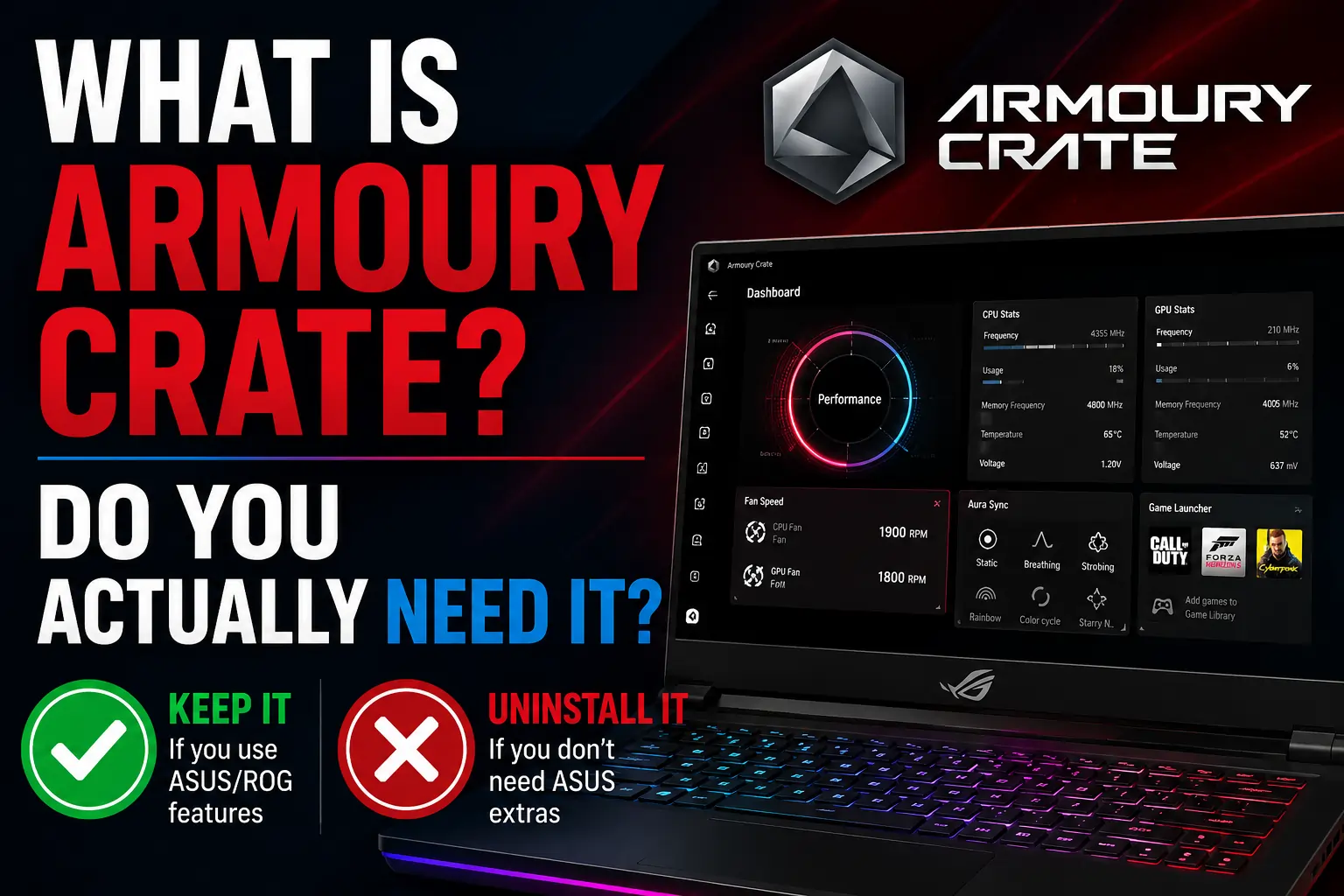
Armoury Crate is the official system control software from ASUS. It comes pre-installed on most ASUS ROG and TUF gaming laptops and desktops and gives you control over performance modes, fan speeds, RGB lighting, and driver updates from one interface.
Think of it as the control centre for your ASUS hardware. Without it your laptop still works Windows handles the basics but you lose the ability to switch between Silent, Performance, and Turbo modes, customise your RGB lighting, or get automatic driver updates specific to your ASUS device.
What Does Armoury Crate Actually Do?
Most people have Armoury Crate installed but have never opened it properly. Here is what it actually controls.
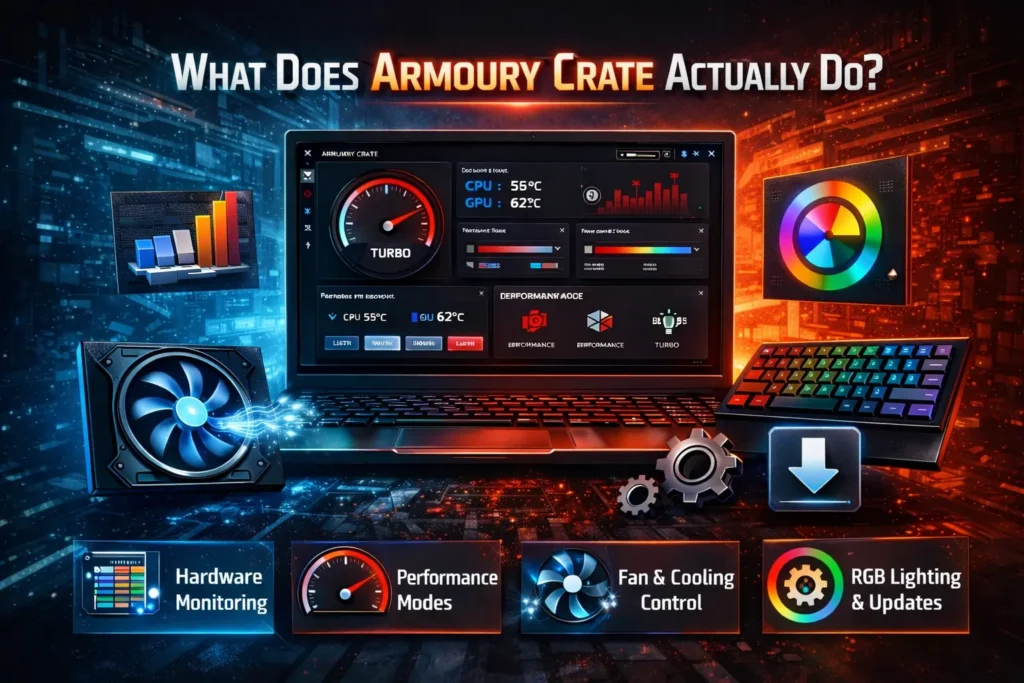
Performance modes Armoury Crate gives you three main performance modes that adjust how aggressively your CPU and GPU run and how hard your fans work.
- Silent mode reduces fan noise and limits performance good for light tasks and long battery life.
- Performance mode balances speed and cooling the default for most work and casual gaming.
- Turbo mode runs everything at full power for gaming or heavy workloads when plugged in.
- On some ASUS laptops there is also a Manual mode where you set custom fan curves yourself.
Fan control Armoury Crate lets you see your fan speeds in real time and create custom fan curves graphs that control how fast fans spin at different temperatures. Without Armoury Crate your fans are controlled by BIOS defaults which work fine but give you no adjustment.
RGB lighting and Aura Sync If your ASUS laptop or keyboard has RGB lighting Armoury Crate controls it through a system called Aura Sync. You can change colours, set animated effects, and synchronise lighting across multiple ASUS devices at once.
Driver and firmware updates Armoury Crate checks for and installs ASUS-specific driver and firmware updates that Windows Update does not always catch. This includes BIOS updates, EC firmware updates, and peripheral firmware.
System monitoring A real time dashboard shows CPU temperature, GPU temperature, RAM usage, and fan speeds. Useful for checking whether your laptop is running hot during gaming.
Device and peripheral management If you have ASUS peripherals like an ROG mouse, keyboard, or headset Armoury Crate manages their settings and keeps their lighting synchronised with your laptop.
What Is Armoury Crate Service?
When you look at Windows Task Manager you will see several Armoury Crate related processes running in the background even when the app is closed.
ArmoryCrate.Service.exe is the main background service that keeps the software ready to respond when you open it and maintains hardware monitoring.
ASUS System Control Interface V3 is the driver layer that allows Armoury Crate to communicate with your hardware.
LightingService manages RGB lighting effects continuously so they stay active.
AsusLinkNear and AsusLinkRemote handle device connectivity for ASUS peripherals.
These services run continuously which is why Armoury Crate uses more system resources than a typical app. If you open Task Manager and see ASUS related processes that is normal and expected behaviour.
Do You Actually Need Armoury Crate?
This is the question most people are actually asking. The honest answer depends on what you use your laptop for.
You need Armoury Crate if:
You use RGB lighting on your keyboard, mouse, or other ASUS peripherals and want them synchronised. You actively switch between performance modes for gaming versus everyday use. Your laptop supports MUX switch toggling which requires Armoury Crate to switch between integrated and discrete GPU modes. You want automatic ASUS-specific driver and firmware updates without manually checking.
You do not need Armoury Crate if:
You do not care about RGB lighting and have it turned off anyway. You prefer Windows power plans over ASUS performance profiles. Your laptop runs fine without software tuning. You are experiencing problems caused by Armoury Crate itself high CPU usage, slow startup, software conflicts and the problems stop when you close it.
Is Armoury Crate Safe?
Yes. Armoury Crate is official software from ASUS. It is not malware and not a virus. The processes you see in Task Manager including AsusBackupWMI and LightingService are legitimate ASUS components.
The only safety concern some users raise is resource usage Armoury Crate uses more RAM and CPU at idle than many users expect for a system utility. On older or lower-spec ASUS laptops this can noticeably affect performance. In that case disabling background services or switching to a lightweight alternative like G Helper is a reasonable choice not a security concern.
Is Armoury Crate Necessary for My Laptop to Work?
No. Your ASUS laptop works normally without Armoury Crate. The CPU, GPU, cooling system, display, Wi-Fi, and all other hardware function through Windows drivers and BIOS settings regardless of whether Armoury Crate is installed.
What stops working without Armoury Crate is the software layer on top of that hardware RGB customisation, the performance mode switcher, the Aura Sync dashboard, and automatic ASUS-specific updates.
Why Does Armoury Crate Use So Much RAM and CPU?
Armoury Crate runs multiple background services continuously which adds up to 200 to 500 MB of RAM usage at idle on most systems. This is higher than most users expect for a control panel app.
The main reasons for the resource usage are the constant hardware monitoring that keeps temperature and fan speed data current, the LightingService that maintains RGB effects without interruption, and the update checking services that run on a schedule.
If high resource usage is causing problems you have two options. You can disable specific ASUS services through Windows Services type services.msc in the Run dialog without fully uninstalling Armoury Crate. Or you can switch to G Helper which provides fan control and performance modes while using under 50MB of RAM and running no background services.
Should I Uninstall Armoury Crate?
Only if it is causing a specific problem. If Armoury Crate is running fine and you use any of its features keep it installed.
If it is causing high CPU usage, slow startup, Aura Sync failures after Windows updates, or installation conflicts that you cannot resolve uninstalling is a reasonable solution. Your laptop will continue working normally.
Before uninstalling check whether disabling the background services resolves the problem without removing the software entirely. This preserves your settings and means you do not need to reinstall if you change your mind.
If you do decide to uninstall use the official Armoury Crate Uninstall Tool not just Windows Add and Remove Programs. The official tool removes all background services, scheduled tasks including AsusBackupWMI, and registry entries that a normal uninstall leaves behind.
Frequently Asked Questions
What is Armoury Crate used for?
Armoury Crate controls performance modes, fan speeds, RGB lighting through Aura Sync, driver updates, and hardware monitoring on ASUS ROG and TUF laptops and desktops. It is the main control centre for ASUS-specific hardware features.
Is Armoury Crate necessary?
No. Your ASUS laptop works without it. You lose RGB customisation, the performance mode switcher, and automatic ASUS driver updates but all core hardware functions continue normally through Windows.
What is Armoury Crate service in Task Manager?
ArmoryCrate.Service.exe is the background service that keeps Armoury Crate running and ready to use. It runs continuously so the app can respond instantly when opened and so RGB lighting and hardware monitoring stay active.
Is it safe to uninstall Armoury Crate?
Yes. Uninstalling Armoury Crate does not damage your laptop or affect core hardware. Use the official Armoury Crate Uninstall Tool for a complete removal that clears all background services and scheduled tasks.
Why does Armoury Crate use so much RAM?
Armoury Crate runs multiple background services for hardware monitoring, RGB lighting, and update checking. Combined RAM usage at idle is typically 200 to 500MB. If this is a problem G Helper is a lightweight alternative that uses under 50MB.
What happens if I disable Armoury Crate services?
The RGB lighting stops updating, performance mode switching may stop working, and the hardware monitoring dashboard stops refreshing. Your laptop continues functioning normally through Windows and BIOS defaults.