Quick Answer:
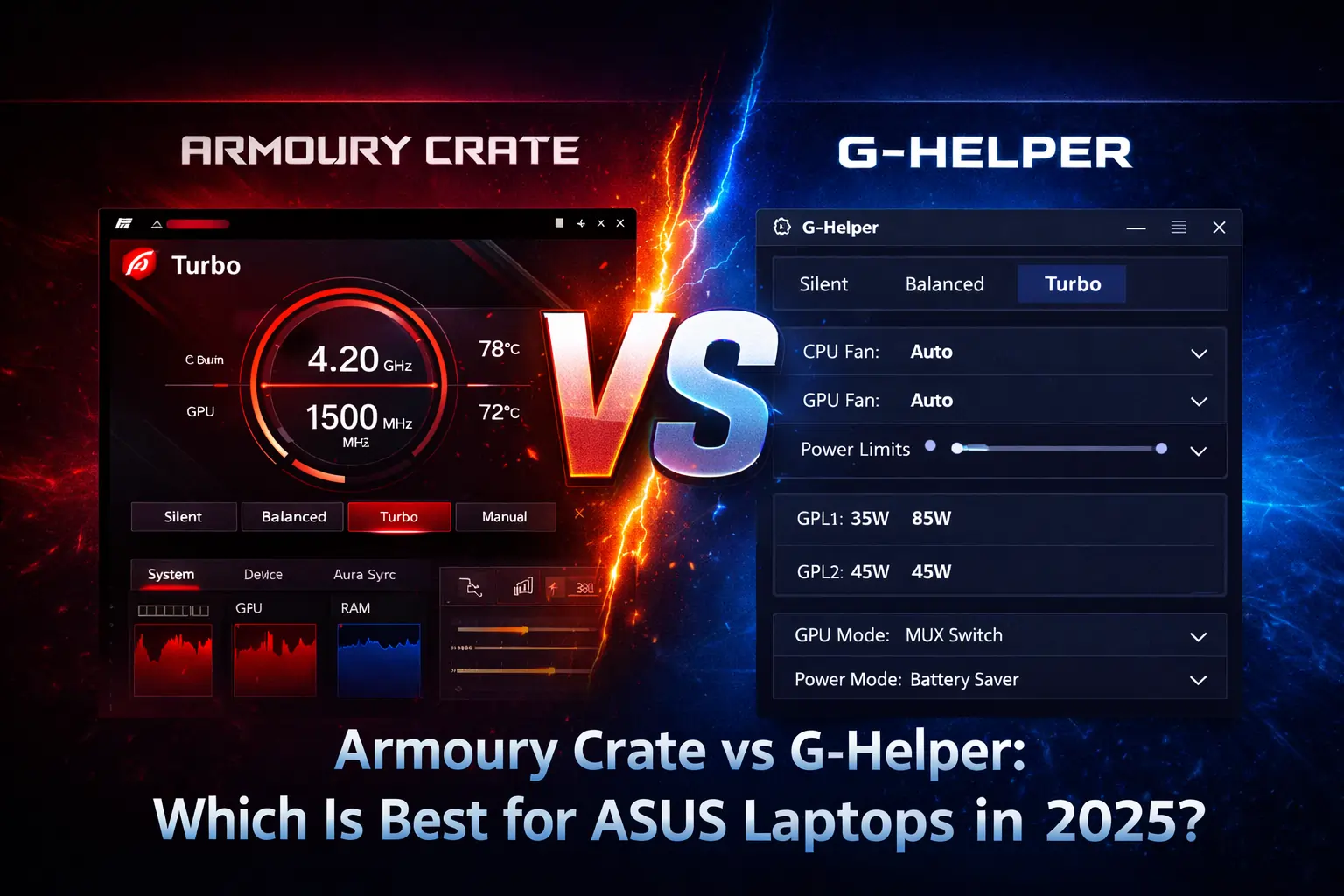
Armoury Crate is best for ASUS laptop users who want full hardware control, RGB lighting, official updates, and long-term stability, while G-Helper is best for users who prefer a lightweight, fast, and privacy-focused tool with minimal system resource usage
Armoury Crate is ASUS’s official control software with full hardware, RGB, and performance features, while G-Helper is a lightweight third-party tool focused on performance and efficiency. Both manage performance modes, fan control, and monitoring, but Armoury Crate offers deeper integration and official support, whereas G-Helper uses far fewer system resources. And you can safely Download Armorycrate from this website.
What Is Armoury Crate?
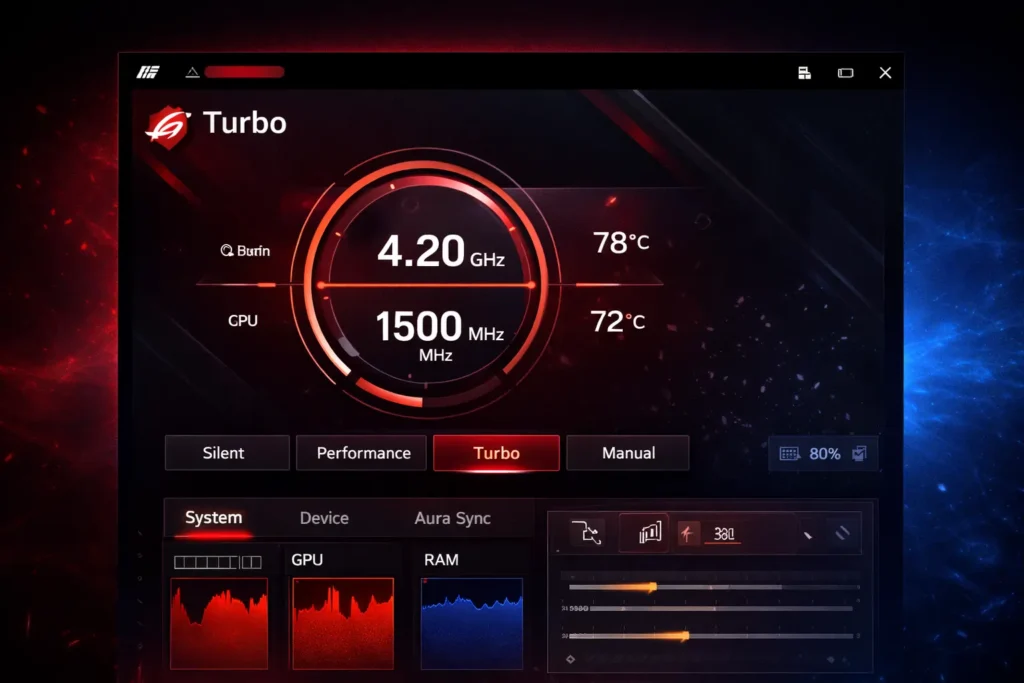
Armoury Crate is the official system control software by ASUS for managing ASUS laptops, desktops, and peripherals. It provides full control over performance modes, fan behavior, RGB lighting, system monitoring, and driver updates through one unified interface.
This becomes easier to understand once you know what Armoury Crate actually does and how it’s used on ASUS devices.
What Is G-Helper?
G-Helper is a lightweight, open-source alternative to Armoury Crate designed mainly for ASUS laptops. It focuses on essential features like performance modes, fan control, and temperature monitoring while using very little system resources and no background services.
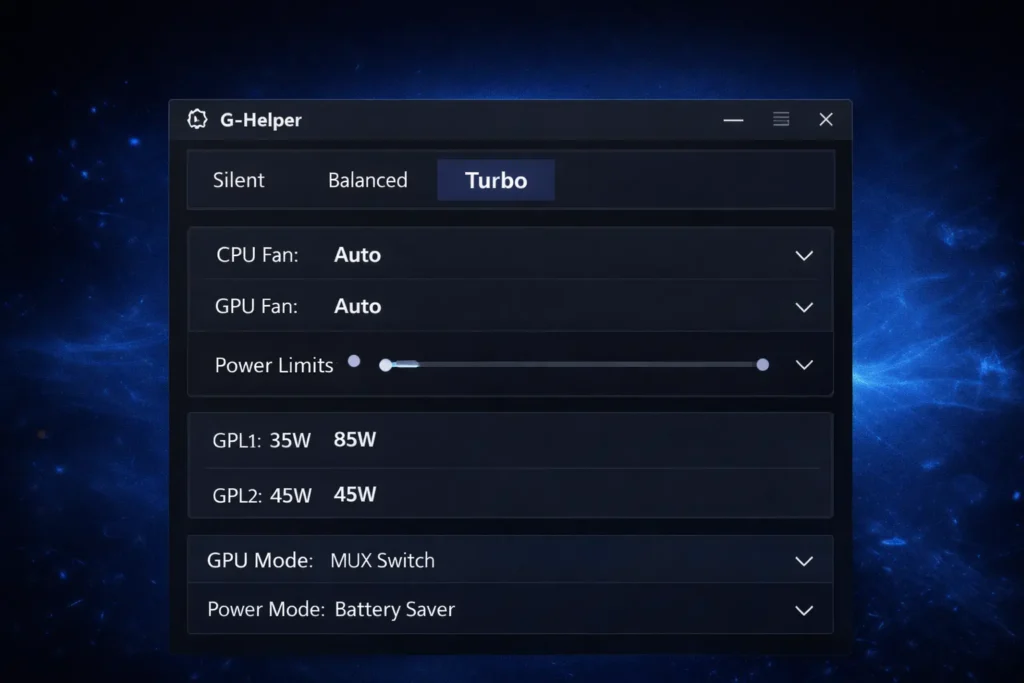
What is the difference between Armoury Crate vs G-Helper?
| Feature | Armoury Crate | G-Helper |
|---|---|---|
| Software Type | Official ASUS software | Third-party, open-source tool |
| Installation | Full installation with services | Portable single executable |
| Resource Usage | Medium to high | Very low |
| RAM Consumption | ~200–500 MB | ~30–80 MB |
| CPU Usage | Low to moderate | Negligible |
| Background Services | Yes | No |
| Startup Impact | Slower boot | No impact |
| Performance Modes | Silent, Balanced, Turbo | Silent, Balanced, Turbo |
| Fan Control | Advanced + automatic | Manual and basic |
| RGB / Aura Sync | Fully supported | Not supported |
| Peripheral Support | Yes (mouse, keyboard, headset) | No |
| BIOS Integration | Deep and official | Limited |
| Privacy | Uses online services | Fully offline |
| Updates | Official ASUS updates | Community updates |
| Best For | Gamers & full ASUS ecosystem users | Power users & minimal setups |
Key Features Comparison Between Armoury Crate and G-Helper
Armoury Crate and G-Helper share basic system control features, but they differ greatly in advanced functionality and automation. Both tools manage performance, fans, and monitoring, but Armoury Crate focuses on a full ecosystem experience, while G-Helper prioritizes simplicity and efficiency.
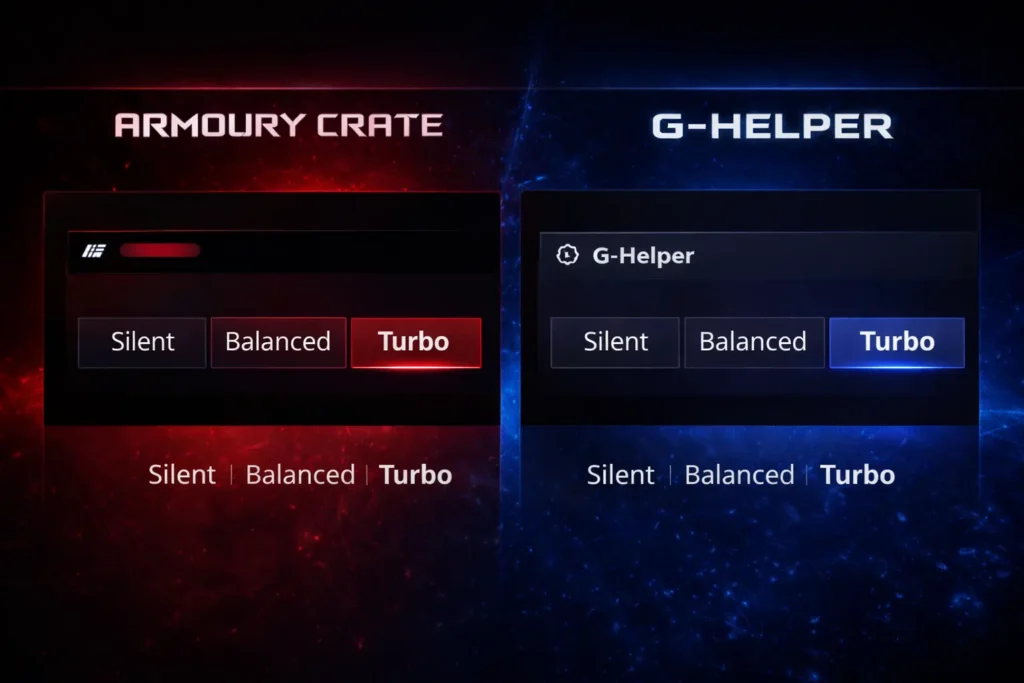
Performance Mode Control
Performance modes help adjust system power, cooling, and noise based on workload requirements. Both Armoury Crate and G-Helper modify CPU limits, GPU behavior, and fan speeds to balance performance and efficiency.
RGB Lighting and Aura Sync
RGB lighting and aura sync control allows users to customize keyboard backlighting and system aesthetics. This feature is especially important for users who own ASUS gaming peripherals and prefer visual personalization.
System Monitoring and Diagnostics
System monitoring helps users track temperatures, usage, and overall hardware health in real time. Both tools provide access to essential performance data needed for stable and safe operation.
Fan Control and Cooling Management
Fan control plays a key role in maintaining system temperatures and managing noise levels. Both applications allow users to customize cooling behavior based on their preferences.
Game Library and Scenario Profiles
Game-specific profiles improve convenience by automating system settings for different games. This feature reduces the need for manual adjustments when switching between applications.
Driver and Firmware Updates
Regular driver and firmware updates are essential for stability and performance improvements. Update management differs significantly between the two applications.
When Armoury Crate Is the Better Choice?
Choose Armoury Crate if you use multiple ASUS peripherals and want unified control from one official application. It is ideal for users who need Aura Sync RGB lighting, automatic driver updates, game profiles, and full ASUS feature support.
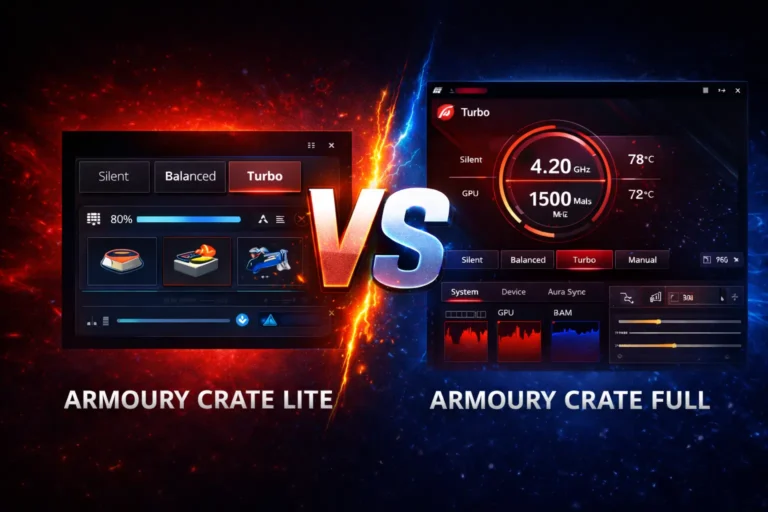
Beginners and long-term users benefit from guided setup, official updates, and guaranteed compatibility with new ASUS laptops. You can see also Armoury Crate Lite vs Full Which One Is Right for You? article to decide better.
When G-Helper Is the Better Choice?
Choose G-Helper if you prioritize low resource usage, better battery life, and system efficiency. It is best for users who only need performance modes, fan control, and temperature monitoring without extra features. Privacy-focused and advanced users who prefer a lightweight, portable, and offline tool will find G-Helper more suitable.
Is G-Helper better than Armoury Crate?
G-Helper is a lightweight third-party alternative that some users prefer for its simplicity and low background usage. However, Armoury Crate offers deeper system integration, official ASUS support, and full access to device features like firmware updates, Aura Sync, and performance profiles.
For most ASUS users, Armoury Crate is the better choice because it is official, fully supported, and designed specifically for ASUS hardware. G-Helper may suit advanced users who want minimal resource usage and are comfortable using unofficial tools.
Troubleshooting Common Problems
Both Armoury Crate and G-Helper may experience issues depending on system updates, hardware compatibility, and configuration settings. Identifying these common problems helps users troubleshoot quickly and avoid unnecessary system changes.
Armoury Crate Issues
- It loads slowly or freezes during startup on some systems
- It fails to apply settings after changes or restarts
- It does not detect ASUS devices correctly at times
- It fails to sync RGB lighting across connected peripherals
- It runs heavy background services that increase resource usage
G-Helper Issues
- It fails to apply fan curves consistently on some laptops
- It does not switch performance modes as expected
- It resets settings after system restarts
- It shows compatibility issues with certain ASUS models
- It lacks RGB and peripheral support entirely
Also Read:Armoury Crate SE Update
What Is the Future Development and Feature Roadmap?
Understanding future updates helps users decide which software is better for long-term use. Both Armoury Crate and G-Helper continue to evolve, but their development approaches are very different.
Future of Armoury Crate
Armoury Crate will continue receiving regular updates directly from ASUS with support for new laptops, peripherals, and features. Future versions are expected to improve performance efficiency, expand AI-based tuning, and offer deeper integration with upcoming ASUS hardware. Official backing ensures long-term stability, compatibility, and continued feature expansion.
Future of G-Helper
G-Helper’s future depends on community support and the independent developer’s involvement. Updates mainly focus on adding compatibility for newer ASUS laptop models and refining existing features. While innovation is slower, the open-source nature allows community contributions, keeping the project alive without increasing system resource usage.
Conclusion
ArmouryCrate is the best choice for users who want full ASUS ecosystem support, RGB lighting control, peripheral management, and official updates. It offers the most features and guaranteed compatibility, making it ideal for gamers and users with multiple ASUS devices.
G-Helper is better suited for users who value lightweight performance, better battery life, privacy, and simplicity. It delivers essential laptop control without background services or system bloat.
In 2025, both tools are effective, but the right choice depends on whether you prefer feature-rich official software or a minimal, performance-focused alternative.
Frequently Asked Questions (FAQs)
Can I uninstall Armoury Crate and still keep my laptop working normally?
Yes, uninstalling Armoury Crate does not break core laptop functionality. Basic hardware operations continue to work, but some ASUS-specific features may no longer be accessible.
Does removing Armoury Crate improve laptop performance?
In many cases, users notice faster boot times and lower background resource usage after removing Armoury Crate, especially on systems with limited RAM.
Is G-Helper safe to use on ASUS laptops?
Yes, G-Helper is generally safe when downloaded from its official source. It uses ASUS system control interfaces and does not modify critical system files.
Will ASUS warranty be affected if I use G-Helper?
Using G-Helper does not void hardware warranty. However, ASUS does not officially support it, so software-related issues may not receive official assistance.
Does G-Helper support Windows updates and new BIOS versions?
G-Helper usually works after Windows or BIOS updates, but compatibility may lag briefly until the developer or community releases fixes.
Can I switch back to Armoury Crate after using G-Helper?
Yes, you can uninstall G-Helper and reinstall Armoury Crate at any time without long-term issues.
Which option is better for students or office users?
G-Helper is often better for students and office users due to lower battery drain, fewer background services, and faster system response.
Can both Armoury Crate and G-Helper be installed together?
It is not recommended to run both at the same time, as they may conflict when controlling fans and performance modes.
Can G-Helper control battery charge limits on ASUS laptops?
Yes, G-Helper can manage battery charge limits on supported ASUS laptops using BIOS-level controls.
Is G-Helper suitable for non-gaming ASUS laptops?
Yes, G-Helper works well on many non-gaming ASUS laptops for basic performance and fan control, depending on model support.
Can G-Helper control the MUX switch on supported laptops?
Can G-Helper control the MUX switch on supported laptops?
Yes, G-Helper can control the MUX switch on compatible ASUS laptop models that support it.