Quick Answer:
Armoury Crate Virtual Pet is an interactive desktop companion that visually shows your PC’s performance in real time, making system monitoring simple, engaging, and beginner-friendly on supported ASUS devices.
Armoury Crate Virtual Pet is a digital companion feature within ASUS Armoury Crate software that allows gamers to interact with an animated character while managing their gaming hardware. This feature transforms routine system monitoring into an engaging experience by combining performance management with entertainment.
What Is Armoury Crate Virtual Pet?
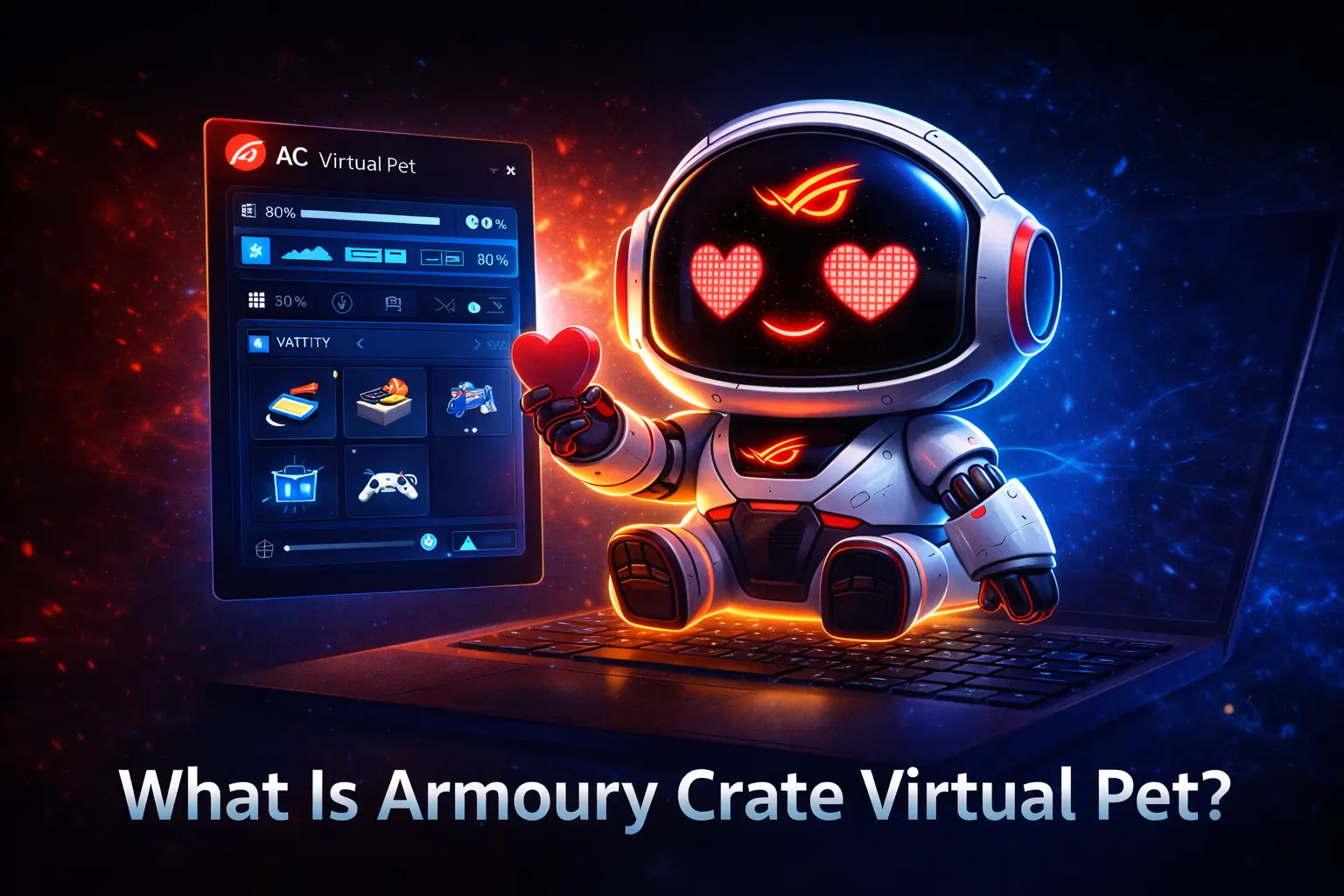
Armoury Crate Virtual Pet is a small animated character that lives on your desktop and reacts to your PC’s performance. It shows emotions and animations based on your gaming activity, CPU load, and system status, making performance monitoring easy and fun.

The feature is built into Armoury Crate by ASUS and works with tools like RGB lighting, fan control, and performance modes. You see quick visual feedback without checking complex stats, which helps gamers and everyday users understand system health at a glance.
Who Should Use Armoury Crate Virtual Pet?
Armoury Crate Virtual Pet is ideal for users who want simple and visual system monitoring. Gamers benefit from quick performance awareness during gameplay.
Streamers can use it as an engaging on-screen element for viewers.
New PC and casual users enjoy an interactive desktop experience on compatible ASUS.
How Armoury Crate Virtual Pet Works?
Armoury Crate Virtual Pet monitors your system in real time through the Armoury Crate software. It reacts instantly to performance changes, making system status easy to understand without technical details.
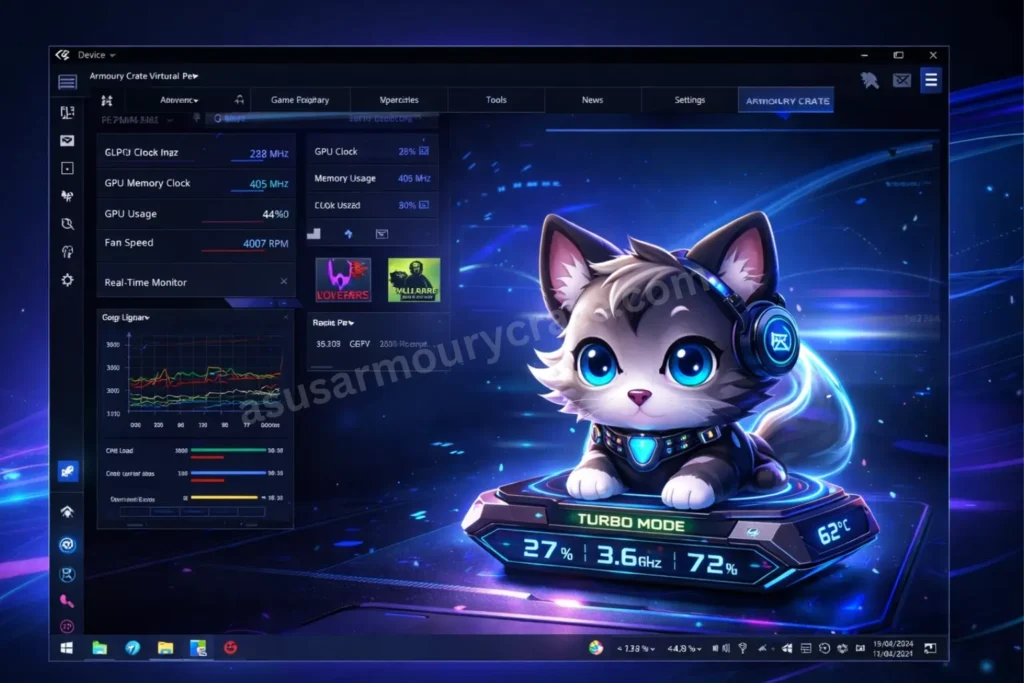
Performance Modes
- It becomes energetic when performance mode is enabled.
- It stays calm during balanced or silent modes.
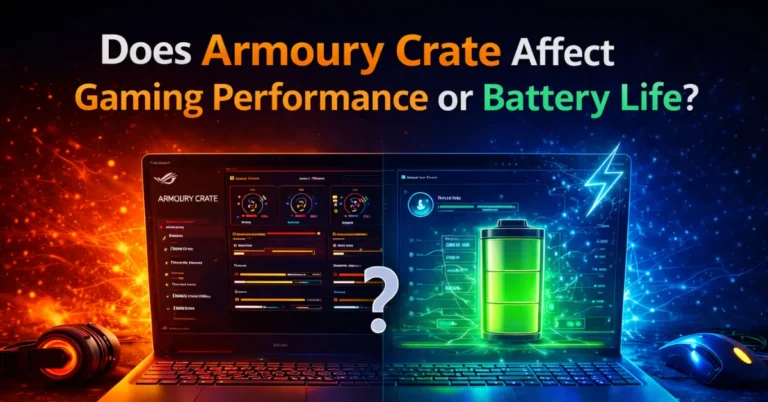
To know more about Armoury Crate Performance Read Article on Armoury Crate Affect Gaming Performance or Battery Life
Hardware Temperature Changes
- When CPU or GPU temperature rises, the pet shows tired or heated animations.
- When the system cools down, the pet returns to normal behavior.
Minimal System Resources
- It consumes very little RAM and CPU power.
- It runs smoothly without affecting gaming performance.
Responds to System Triggers
- It reacts to RGB lighting changes and system notifications.
- It provides visual feedback for important system events.
Customize the Virtual Pet
- You can change the pet’s appearance and character design.
- You can adjust interaction frequency based on your preferences.
What are the Key Features of Armoury Crate Virtual Pet?
Armoury Crate Virtual Pet includes several built-in features that make system monitoring more visual and engaging. Each feature focuses on clarity, performance awareness, and personalization without adding complexity.

1. Real-Time System Performance Feedback
The Virtual Pet shows instant visual responses based on CPU and GPU activity. When system temperatures rise beyond safe levels, the character displays warning animations. During smooth and stable performance, it reacts with energetic movements and positive expressions, helping users notice performance changes quickly.
2. Advanced Customization Options
Users can personalize the Virtual Pet to match their setup and preferences. The feature allows changes to character skins, animation styles, on-screen position, and interaction frequency. Some designs align with popular ASUS gaming lines such as ROG Strix, TUF Gaming, and Zephyrus, creating a consistent gaming aesthetic.
3. Interactive Animation System
The Virtual Pet performs a wide range of animations linked to real system events. These include idle movements, reaction animations, celebration sequences, and warning displays. Each animation reflects a specific hardware or performance condition, making the pet both informative and entertaining.
4. Low Resource Usage and Smooth Performance
Armoury Crate Virtual Pet runs efficiently with minimal impact on system resources. It uses hardware acceleration when available to keep animations smooth and responsive. This ensures gaming performance and frame rates remain unaffected.
5. Seamless Armoury Crate Integration
The feature works directly with Armoury Crate controls and performance modes. It responds to fan profile changes, RGB lighting adjustments, and system notifications, keeping all system feedback in one place.
6. Improved System Awareness
The Virtual Pet helps users identify performance issues early. By showing visual alerts instead of technical numbers, it reduces the need for separate monitoring tools and makes system health easier to understand for all users.
What are the benefits of Using Armoury Crate Virtual Pet?
Armoury Crate Virtual Pet improves system awareness and makes gaming sessions more comfortable. It delivers clear visual feedback that helps users understand performance without technical effort.

For more useful Guides
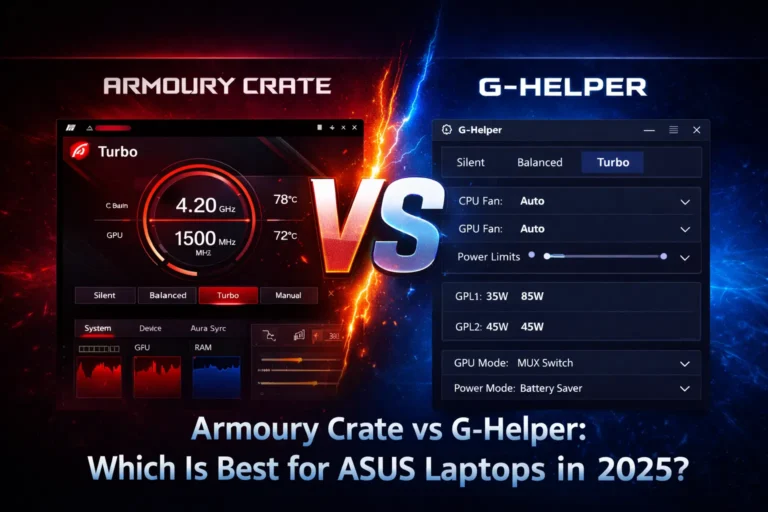
visit Armoury Crate vs G-Helper Best For ASUS Laptop in 2026?
How to Set Up Armoury Crate Virtual Pet?
You can set up Armoury Crate Virtual Pet by following these simple steps.
The process works smoothly on supported ASUS devices and takes only a few minutes.

- Install the latest Armoury Crate software
Download Armoury Crate from the official ASUS website or Microsoft Store and complete the installation to get all required features. - Open Armoury Crate and check system compatibility
Launch the software on your ASUS device running Windows 10 or Windows 11 to ensure your hardware supports the Virtual Pet. - Enable Armoury Crate Virtual Pet in settings
Go to the settings or personalization section and turn on the Virtual Pet using the activation toggle. - Select and customize your Virtual Pet
Choose a character design and adjust appearance options to match your gaming style. - Position and resize the Virtual Pet on screen
Drag the pet to a corner or visible area and adjust its size so it does not block important content. - Adjust animations and performance reactions
Configure animation frequency and performance triggers to balance engagement and distraction during use.
Following these steps ensures Armoury Crate Virtual Pet runs smoothly and stays useful during gaming and daily tasks on ASUS systems.
Troubleshooting Common Issues
Virtual Pet not appearing on screen
This issue usually happens when Armoury Crate or Windows is outdated. Updating Armoury Crate to the latest version and restarting your system fixes most display problems.
Animations running slow or choppy
Slow animations occur when system resources are heavily used or graphics drivers are outdated. Updating GPU drivers and closing unnecessary background apps improves animation smoothness.
Virtual Pet not responding to performance changes
This problem appears when performance monitoring permissions are disabled. Re-enable monitoring features inside Armoury Crate settings and make sure performance modes are active.
High resource usage on older systems
Older hardware may struggle with high animation settings. Lowering animation quality and reducing interaction frequency in settings helps maintain stable performance on supported ASUS devices.
Also Read: Does Armoury Crate Reduce FPS?
Comparing Armoury Crate Virtual Pet to Alternatives
Armoury Crate Virtual Pet stands out because it combines visual interaction with real hardware monitoring. Other desktop companion options focus on lighting, recommendations, or decoration, depending on the ecosystem.

MSI Dragon Center Pet
The virtual pet inside Dragon Center by MSI focuses more on performance guidance than entertainment. It provides optimization tips and system suggestions based on hardware analysis, but offers fewer customization and animation options compared to Armoury Crate Virtual Pet.
Razer Chroma Pets
Razer includes animated companions within its Synapse ecosystem by Razer. These pets strongly emphasize RGB lighting effects and sync with Chroma-enabled devices. While visually impressive, they rely more on lighting interaction than detailed system performance feedback.
Wallpaper Engine Characters
Wallpaper Engine allows users to add animated desktop characters created by the community. These companions offer wide visual variety and customization but lack direct access to hardware data, limiting their usefulness for real-time system monitoring.
Standalone Desktop Pet Applications
Independent apps like Shimeji and eSheep provide classic desktop pets that work on almost any computer. These tools focus purely on decoration and interaction, without reacting to gaming performance, temperatures, or system events.
Overall, Armoury Crate Virtual Pet offers deeper hardware integration and practical value, making it more useful for gamers who want both visual engagement and real-time system awareness.
Pros and Cons of Armoury Crate Virtual Pet
Armoury Crate Virtual Pet offers a mix of useful system monitoring and fun desktop interaction. It suits users who prefer visual feedback but may not meet the needs of advanced technical users.
Pros
- It provides real-time visual system feedback without complex technical data.
- It uses very low system resources and does not affect gaming performance.
- It integrates officially with Armoury Crate for safe and reliable use.
- It offers customization options for appearance, size, and animations.
- It helps beginners understand system behavior through clear visual cues.
Cons
- It works only on compatible ASUS hardware, limiting wider use.
- It offers limited character variety compared to third-party desktop pets.
- It lacks detailed numerical monitoring for advanced users.
- It may feel unnecessary for competitive gamers focused on maximum performance.
- It depends on Armoury Crate updates to fix bugs and add new features.
For the best experience with Armoury Crate Virtual Pet, make sure you’re using the latest official version. You can safely download ASUS Armoury Crate with updated files and simple installation steps.
Conclusion
Armoury Crate Virtual Pet blends practical system monitoring with an interactive desktop experience. It allows users to track performance, temperatures, and modes through simple visual feedback instead of complex numbers.
Gamers gain quick awareness during gameplay, streamers add an engaging on-screen element, and new users learn system behavior more easily. The feature remains lightweight, officially supported, and well integrated with Armoury Crate on compatible ASUS devices. For users who want clear system insights without technical effort, Armoury Crate Virtual Pet is a useful and enjoyable addition.
FAQs About Armoury Crate Virtual Pet
Can Armoury Crate Virtual Pet be turned off anytime?
Yes, you can disable Armoury Crate Virtual Pet instantly from the Armoury Crate settings without uninstalling the software.
Does Armoury Crate Virtual Pet collect personal data?
No, the feature only reads local system performance metrics and does not collect or share personal data.
Can Armoury Crate Virtual Pet run in the background?
Yes, it runs quietly in the background and only appears visually on your desktop when enabled.
Can Armoury Crate Virtual Pet be used on multiple screens?
Yes, users can move the Virtual Pet to any connected display based on preference.
Will updates add new Virtual Pet characters?
Yes, ASUS periodically adds new characters, animations, and improvements through Armoury Crate updates.