Quick Answer:
Aura Sync usually stops working due to disabled ASUS services, outdated Armoury Crate modules, or conflicts with other RGB software.
Restarting services, updating components, or reinstalling core ASUS drivers fixes the issue in most cases.
Armory Crate Aura Sync stops working mainly because of service issues, software conflicts, or corrupted ASUS components.
In most cases, the problem can be fixed without uninstalling Windows or replacing hardware. This guide explains why Aura Sync fails and how to fix it step by step.
What Is Aura Sync and How Does It Work?
Aura Sync is ASUS’s RGB lighting system built into Armoury Crate. It synchronizes lighting effects across supported ASUS laptops, keyboards, mice, and other devices.
Aura Sync relies on ASUS background services and system drivers to function correctly.
If any of these components fail, RGB syncing stops working.
Which ASUS Devices Support Aura Sync?
Aura Sync works on a wide range of ASUS laptops and accessories designed for RGB customization.
It works on ASUS devices that include built-in Aura RGB hardware and controllers. Actual support varies by model, firmware version, and the number of RGB zones available.
Some of which are give below:
- ASUS ROG laptops such as Strix, Zephyrus, Scar, and Flow models support Aura Sync for keyboards, light bars, and chassis lighting depending on the variant.
- ASUS TUF Gaming laptops support Aura Sync mainly for RGB keyboards, with lighting zones varying by model and region.
- ASUS gaming motherboards from the ROG, TUF Gaming, and Prime Aura series allow full RGB synchronization with RAM, GPU lighting, and LED strips.
- ASUS graphics cards like ROG Strix and TUF Gaming GPUs support Aura Sync for logo and light-bar RGB effects.
- ASUS keyboards and mice that are Aura-enabled can sync lighting effects directly through Armoury Crate.
- ASUS headsets and mousepads with RGB lighting support Aura Sync when detected correctly by the software.
Some devices may appear in Armoury Crate but only support limited or single-zone lighting, which is a hardware limitation rather than a software issue.
Why Is Armoury Crate Aura Sync Not Working?
Aura Sync usually fails due to software or service problems. Common causes include corrupted modules, background service conflicts, or outdated drivers. Windows updates can also break ASUS services temporarily. Identifying the cause helps choose the correct fix.
Also Read: Armoury Crate High Disk Usage
How to Check If Aura Sync Is Enabled?
Aura Sync must be enabled inside Armoury Crate to work. If the Aura Sync section is missing, services may not be running correctly. Devices that fail to appear usually indicate driver or detection issues. This check confirms whether the problem is software or hardware related.
How to Fix Armoury Crate Aura Sync Not Working?
Aura Sync may stop working due to service failures, outdated components, or software conflicts.
Below, you’ll find the most effective fixes to restore Aura Sync and get RGB lighting working again.
Fix 1: Restart Aura Sync and ASUS Services
Aura Sync depends on several ASUS background services. If these services stop or fail to load, RGB control breaks. Restarting them refreshes device detection and lighting control.
This fix resolves most temporary Aura Sync issues.

Fix 2: Update Armoury Crate and Aura Sync Components
Outdated modules are a major reason Aura Sync stops working So updtate Armoury crate . But Updating only the main app is not always enough. Aura Sync components must also be updated separately. Keeping all modules updated solves syncing failures.

Fix 3: Remove Conflicting RGB Software
Multiple RGB control apps cannot run together safely. Software like iCUE, Mystic Light, or Synapse can override Aura Sync. These conflicts prevent Armoury Crate from controlling lighting. Removing extra RGB tools restores proper synchronization.

Fix 4: Reinstall ASUS System Control Interface
The ASUS System Control Interface connects Armoury Crate to hardware. If it becomes corrupted, Aura Sync stops responding. Reinstalling this driver restores communication with RGB devices. This fix is essential when devices disappear from Aura Sync.

Fix 5: Reset Aura Sync Profiles
Corrupted lighting profiles can break synchronization. Resetting profiles clears saved effects that fail to load correctly. This restores default lighting behavior across devices. It is useful when Aura Sync partially works but behaves inconsistently.

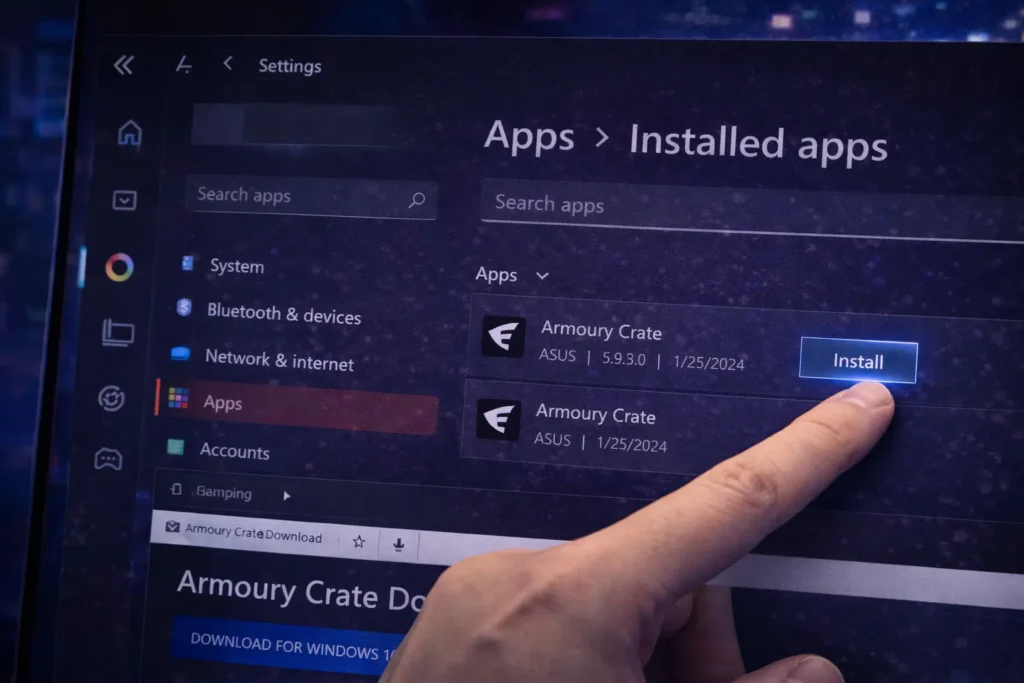
Fix 6: Clean Reinstall Armoury Crate (Last Resort)
If all fixes fail, a clean reinstall may be required. Corrupted files sometimes survive normal updates. A full uninstall removes broken components completely. After reinstalling, Aura Sync usually works again.
Related Article:
If you’re using an ASUS laptop for the first time, understanding how Armoury Crate works and whether it’s safe can help you avoid performance or battery issues later.
Why Does Aura Sync Stop Working After Restart?
Aura Sync can stop working after a restart when ASUS background services fail to load correctly during Windows startup. Features like Windows Fast Startup may prevent proper initialization of Aura-related services and drivers. As a result, saved RGB profiles do not apply on boot until services are manually restarted or settings are refreshed.
Does Aura Sync Affect Performance or Battery Life?
Aura Sync slightly increases CPU usage because lighting effects continuously refresh in the background. Animated and dynamic RGB effects consume more power than static or disabled lighting modes. On laptops, this can noticeably reduce battery life during everyday use, especially when unplugged.
What Is the Difference Between Aura Sync and Third-Party RGB Tools?
Aura Sync
Third-Party RGB Tools
When Aura Sync Will Not Work? (Limitations)
Aura Sync does not function on hardware that lacks Aura-enabled RGB components.
Some laptops have fixed lighting zones controlled at the firmware level with no software override.
Entry-level or budget models may support lighting but not full synchronization across devices.
Conclusion
Aura Sync is the most reliable RGB lighting solution for ASUS systems due to its deep firmware and hardware integration. Most Aura Sync issues are caused by software conflicts, service failures, or outdated components rather than hardware defects. Understanding device limitations helps set realistic expectations for RGB synchronization.
Third-party RGB tools may work, but they lack full ASUS compatibility and stability.
Keeping Armoury Crate, Aura Sync modules, and system drivers updated ensures the best long-term RGB experience.
Frequently Asked Questions
Can Aura Sync stop working after a Windows update?
Yes, Windows updates can sometimes reset services or block Aura components, causing RGB sync issues until services or drivers are refreshed.
Do BIOS updates affect Aura Sync?
Yes, BIOS updates may change firmware behavior, which can temporarily disable or alter RGB control until Armoury Crate updates catch up.
Can Aura Sync work without Armoury Crate installed?
No, Aura Sync requires Armoury Crate and its background services to function properly on ASUS systems.
Why does only one device sync while others don’t?
This usually happens when devices use different firmware versions or support only single-zone lighting.
Is Aura Creator required for Aura Sync to work?
No, Aura Creator is optional and only needed for advanced custom lighting effects, not basic synchronization.