
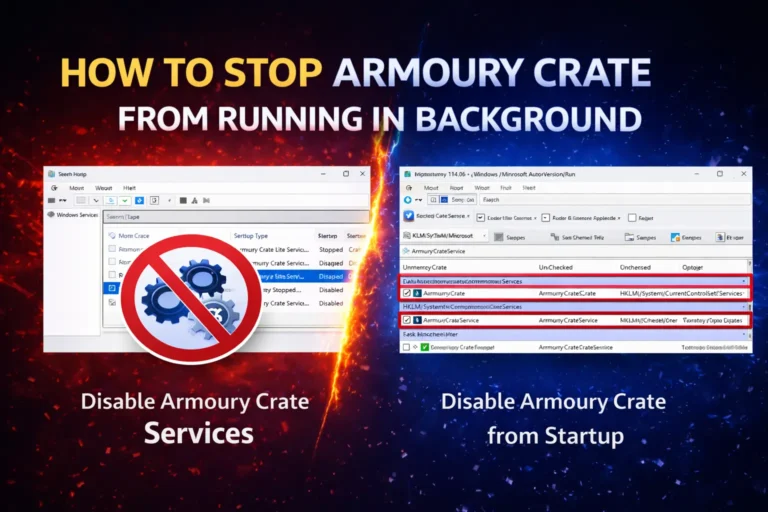
Stop Armoury Crate Running in Background Windows Fix
Quick Answer To stop Armoury Crate from running in the background, disable its startup entries in Task Manager, then set its Windows services to Disabled in services.msc. This cuts RAM usage, speeds up boot, and extends battery life. You lose automatic RGB, performance profiles, and fan control until you re-enable it, but you can still…