Quick Answer:
Armoury Crate Lite is best for users who want basic system support with low resource usage, while Armoury Crate Full is ideal for gamers and power users who need complete hardware control, RGB lighting, performance modes, and advanced customization.
Armoury Crate Lite is best for users who want basic ASUS device support with low system usage, while Armoury Crate Full is ideal for users who need complete control over performance, RGB lighting, and gaming features but before using tehm download Armory crate. This difference defines which version fits your needs.
What Is Armoury Crate?
ArmoryCrate is official ASUS software that manages system performance, drivers, updates, and hardware settings. ASUS laptops, desktops, motherboards, and peripherals use this tool to control features like fan speed, power modes, and RGB lighting. ASUS offers two versions to serve different user needs: Armoury Crate Lite and Armoury Crate Full.
What Is Armoury Crate Lite?
Armoury Crate Lite is a simplified ASUS system utility created to handle only essential tasks. It helps your ASUS device run smoothly by managing basic functions without adding extra load to the system. Unlike the full version, it removes advanced customization tools and focuses on speed, reliability, and everyday usability.
What is Core Purpose of Armoury Crate Lite?
The core purpose of Armoury Crate Lite is to provide stable system support with minimal background activity. It detects ASUS hardware correctly and delivers required driver updates without running multiple services. This design reduces system errors and improves overall responsiveness.
Key Features of Armoury Crate Lite
Armoury Crate Lite includes only essential features needed for basic system support. It avoids advanced tools to keep performance fast, stable, and free from unnecessary background activity.
Basic ASUS Device Recognition
Armoury Crate Lite automatically detects supported ASUS hardware. This ensures your laptop, motherboard, or peripheral is identified correctly for proper support and updates.
Essential Driver and Firmware Updates
Armoury Crate Lite delivers only important driver and firmware updates. It keeps your system compatible and secure without installing extra tools or optional components.
Minimal Background Processes
Armoury Crate Lite runs very few background services. This reduces CPU and RAM usage, helping your system stay fast and stable during daily use.
System Requirements and Resource Usage
Armoury Crate Lite is designed to run efficiently on most ASUS systems with minimal hardware demands. Its system Requirements are given below:
Who Should Use Armoury Crate Lite?
Armoury Crate Lite is ideal for users who want simplicity and stability. Office users, students, and casual PC users benefit from its lightweight design. It is best for those who only need updates and basic device support without advanced controls.
What Is Armoury Crate Full?
Armoury Crate Full is the complete ASUS control software designed for advanced system management. It offers deep customization, performance tuning, and hardware control for users who want full access to ASUS features.
Key Features of Armoury Crate Full
Armoury Crate Full includes advanced tools for customization and performance control. It integrates multiple ASUS utilities into a single platform for power users and gamers.
Aura Sync RGB Lighting Control
Armoury Crate Full allows complete control over RGB lighting. Users can sync effects across keyboards, mice, motherboards, and other compatible ASUS devices.
Performance Modes and Profiles
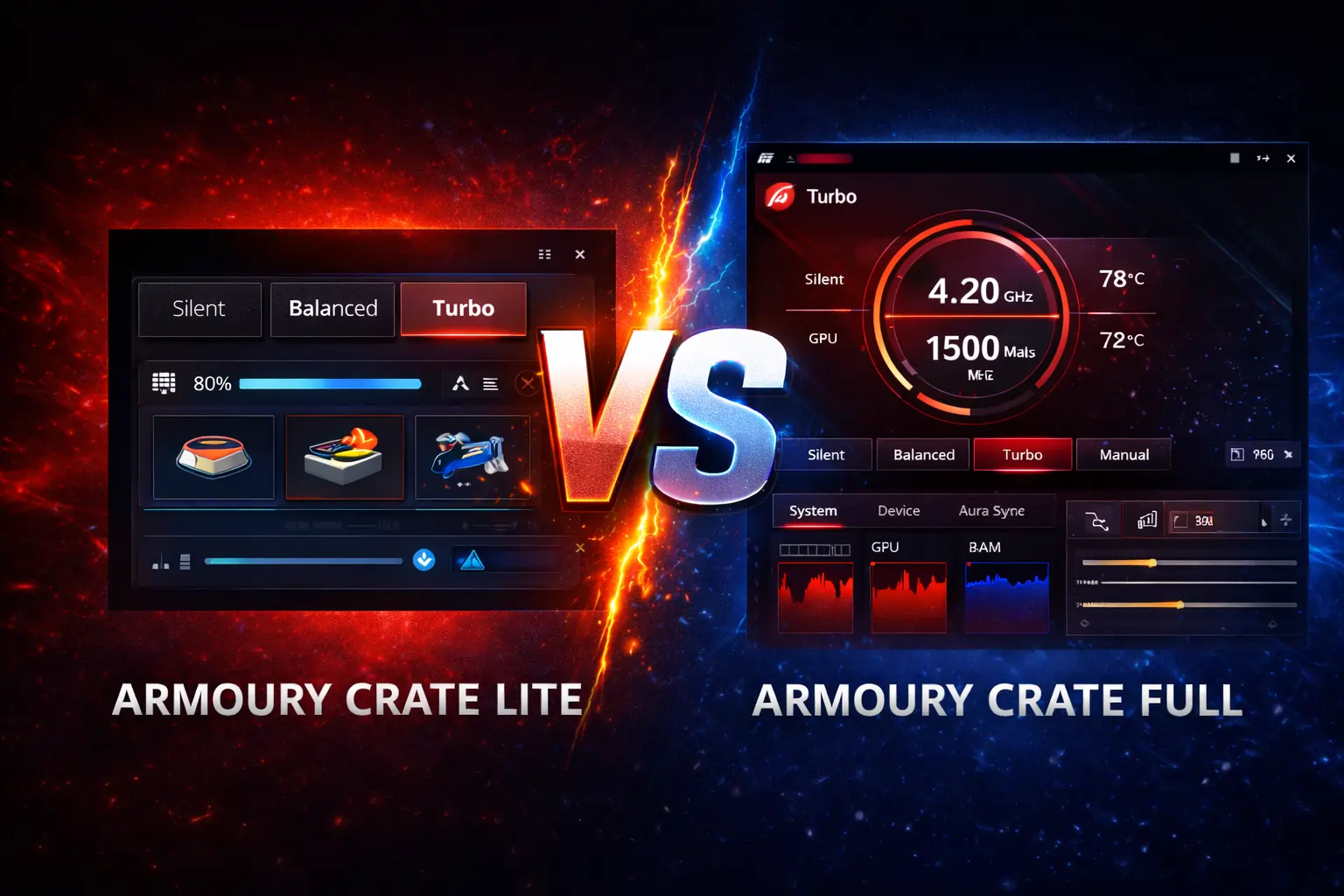
Armoury Crate Full offers preset performance modes such as Silent, Balanced, and Turbo. These profiles adjust CPU, GPU, and power settings based on usage.
Fan Control and Hardware Monitoring
Armoury Crate Full provides real-time system monitoring. Users can view temperatures, adjust fan curves, and manage cooling for better performance.
Game Library and Custom Profiles
Armoury Crate Full includes a built-in game library. Users can create custom profiles that apply specific settings when a game launches.
Also Read: Armoury Crate High Disk Usage solution
System Requirements and Resource Usage
Armoury Crate Full is built for systems that can handle advanced features and background services. It uses more CPU and RAM than the Lite version and performs best on modern, high-spec ASUS devices.
Who Should Use Armoury Crate Full?
Armoury Crate Full is best for gamers, content creators, and advanced users who want complete control over their ASUS hardware. It suits users who need performance tuning, RGB customization, fan control, and detailed system monitoring.
For more useful steps
visit What Is Armoury Crate Virtual Pet and Why Is It a Must-Have Feature?
What is the difference between Armoury Crate Lite vs Full ?
| Feature | Armoury Crate Lite | Armoury Crate Full |
|---|---|---|
| Purpose | Basic system support and updates | Complete hardware control and customization |
| Device Detection | Basic ASUS device recognition | Full ASUS hardware and peripheral detection |
| Driver Updates | Essential drivers and firmware only | Drivers, firmware, and feature updates |
| RGB Lighting Control | Not available | Full Aura Sync RGB control |
| Performance Modes | Not available | Silent, Balanced, and Turbo modes |
| Fan Control | Not available | Manual and automatic fan control |
| System Monitoring | Limited | Real-time hardware monitoring |
| Background Services | Very minimal | Multiple background services |
| Resource Usage | Low CPU and RAM usage | Higher CPU and RAM usage |
| Startup Impact | Fast startup | Slower startup |
| Best For | Office and casual users | Gamers and power users |
Which One Is Right for You?
Armoury Crate Lite is right for you if you want a fast, simple, and stable system with only essential updates. It is ideal for office work, casual use, and older or low-spec ASUS devices.
Armoury Crate Full is right for you if you need full control over performance, cooling, and RGB lighting. It is best suited for gamers, creators, and users who want advanced customization and hardware management.
Can You Switch Between Lite and Full?
Yes, you can switch between Armoury Crate Lite and Full by uninstalling the current version first. A clean removal ensures all background services are cleared, which prevents conflicts, installation errors, and missing features when installing the other version.
For knowing more about Best Armoury Crate Alternatives Read given article.
Is Armoury Crate Safe to Use?
Armoury Crate is safe to use because it is official ASUS software. Security or stability issues usually happen only when the installation is incomplete or files become corrupted. Using the official ASUS installer and keeping drivers updated reduces these risks.
Conclusion
Armoury Crate Lite vs Full is a clear choice between simplicity and control. Lite focuses on fast performance, low resource usage, and essential updates, making it ideal for everyday users and low-end systems. Full delivers advanced customization, RGB lighting, and performance tuning, which suits gamers and power users. Each version serves a specific purpose, so choosing the right one depends on your usage needs. If speed and stability matter most, Lite is the better option. If full hardware control is your priority, Full is the right choice.
FAQs: Armoury Crate Lite vs Full
Is Armoury Crate Lite better than Full?
Armoury Crate Lite is better for users who want a faster and more stable system with minimal features. Armoury Crate Full is better for users who need RGB control and performance tuning.
Does Armoury Crate Full slow down your PC?
Armoury Crate Full can slow down low-end systems because it runs multiple background services. On modern or high-spec ASUS devices, the performance impact is usually minimal.
Can I uninstall Armoury Crate without issues?
Yes, you can safely uninstall Armoury Crate using the official ASUS uninstall tool. A clean removal prevents leftover files and system errors.
Do I need Armoury Crate for ASUS laptops?
You do not need Armoury Crate for basic Windows use. It is mainly required for ASUS-specific features like performance modes, RGB lighting, and fan control.
Does Armoury Crate Lite support RGB lighting?
No, Armoury Crate Lite does not include RGB lighting or Aura Sync features. RGB control is only available in Armoury Crate Full.
Can Armoury Crate cause high CPU usage?
High CPU usage is more common in Armoury Crate Full due to active monitoring services. Armoury Crate Lite rarely causes high CPU usage.
Which Armoury Crate version should I install for gaming?
Armoury Crate Full is recommended for gaming because it supports performance modes, fan tuning, and game profiles.
Can I use Armoury Crate Lite on gaming laptops?
Yes, but you will lose access to gaming features like Turbo mode and RGB lighting. It is suitable only if you prefer simplicity over control.
Is Armoury Crate required for driver updates?
No, drivers can also be updated manually from the ASUS website. Armoury Crate only makes the update process easier.